
Kling Image 4.0 Teaser: What We Know
on 2 days ago

The Kling Image 4.0 teaser introduced a new still-image model, but the story has already moved beyond a preview. Kling's official Chinese social account has since announced the model's launch and API access for enterprise customers and developers. That changes the first question from “When is it coming?” to “What can I actually use, and under which conditions?” Kling's launch announcement.
This explainer separates that announcement from the specifications and workflow assumptions that need further checking. It is for creators deciding whether to test a new image model, without postponing a project on the strength of a teaser.
Checked November 18, 2026. The three images are original editorial illustrations, not Kling Image 4.0 samples. This article does not report hands-on model testing.
What the Kling Image 4.0 teaser tells us now
A teaser is a short preview intended to introduce a product and build interest. It can establish a name and creative direction without explaining the controls, account requirements, or limits a working creator needs.
The supplied AdGraam report describes a November 16 teaser followed by a November 17 introduction. Those dates are useful context, but its page has also been updated from teaser coverage into a launch report. Treat an old headline or shared preview as a snapshot, not a current status page.
The stronger evidence for the present status is Kling's own launch announcement: it says the image model is live and that API access is open to enterprises and developers. This supports saying that the Kling Image 4.0 release has been announced. It does not establish that every account, region, subscription, or third-party service already has the same access.
If you are looking at a model selector today, check the complete name before generating. A platform page mentioning Image 4.0 may still offer another model in its actual workspace. The label beside the generation controls matters more than the page headline.
Separate visual promises from working specifications
Realism, sharpness, and precision describe an intended visual result. They do not tell you the native export dimensions, whether a model follows a complicated layout instruction, or how faithfully an edit preserves a subject.
For practical AI image generation, ask what each promise would mean in your own brief. A furniture scene needs plausible joints and perspective. A character illustration needs the requested pose. A poster needs room for copy, and any generated lettering must be checked against the exact requested words.
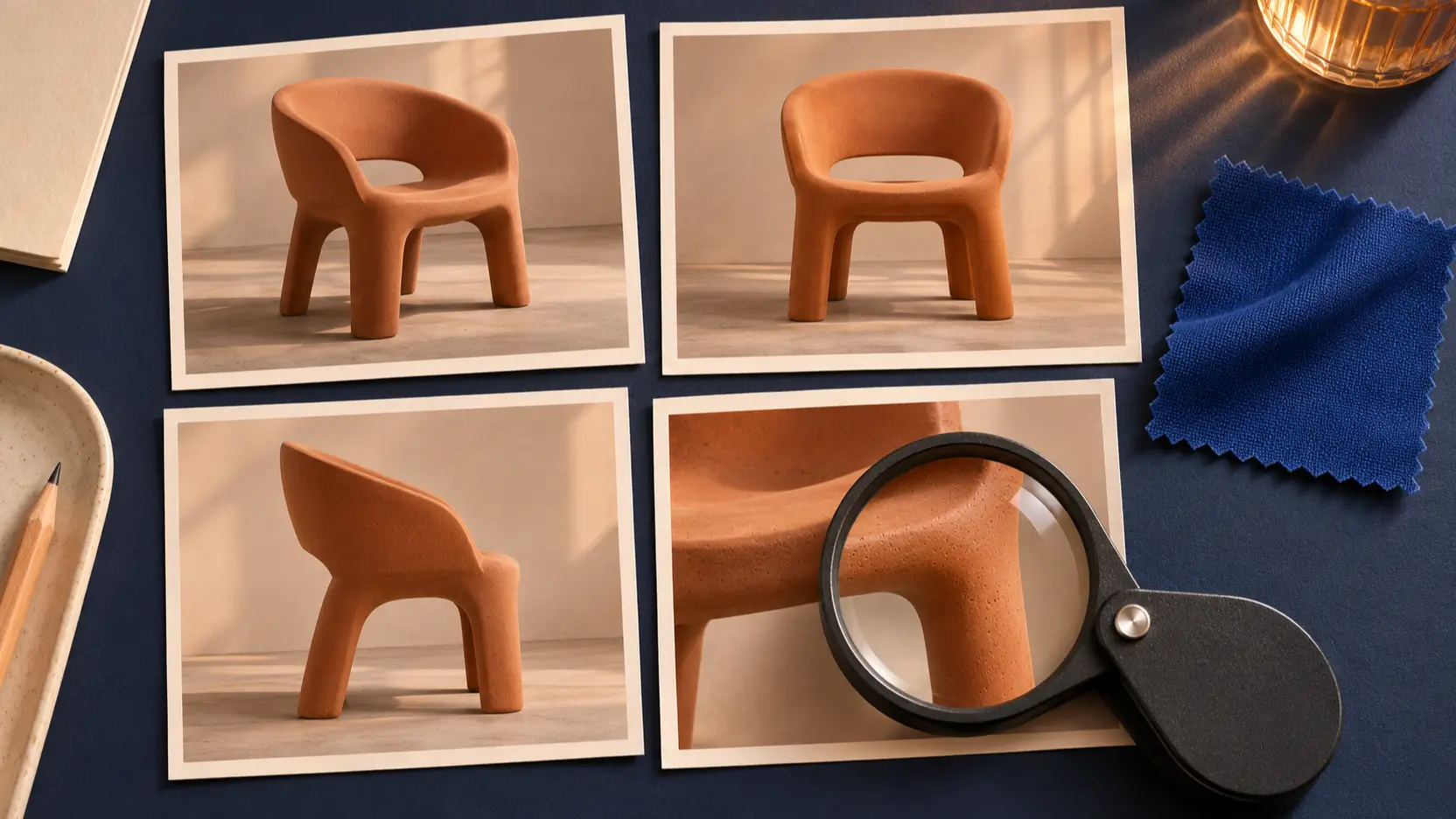
Use this checklist when complete documentation or account access becomes available:
| Question | What to inspect |
|---|---|
| How large is the actual output? | Downloaded file dimensions and any separate upscaling step |
| Which compositions are supported? | Available aspect ratios and whether subjects survive reframing |
| How do references work? | Accepted inputs, their assigned roles, and preservation limits |
| What does an edit change? | Requested changes alongside unintended changes elsewhere |
| Can a workflow be repeated? | Saved prompts, settings, model version, and output history |
These are evaluation criteria, not confirmed Image 4.0 features. Avoid turning a control shown for an older model into a promise about the new one. Likewise, an attractive demonstration image cannot establish a typical success rate without the prompts, settings, and rejected results.
Kling Image 4.0 and Kling video answer different needs
An image model produces still images. A video model creates a sequence over time, where motion and continuity become additional requirements. Similar version numbers do not make their specifications interchangeable.
Kling's official developer pricing page separates image capabilities from video models and billing. Use that distinction when reading announcements: a video duration, keyframe limit, or per-second charge does not describe an image generation request.
For the video side, Picir's Kling 4.0 Flash guide explains the separate workflow. It should not serve as an Image 4.0 specification sheet.
A still image can be useful before animation because you can settle the composition first. For example, approve a chair's silhouette, camera height, and background before attempting a camera move. That is a proposed production sequence; it does not imply a special connection between Image 4.0 and a particular video model.
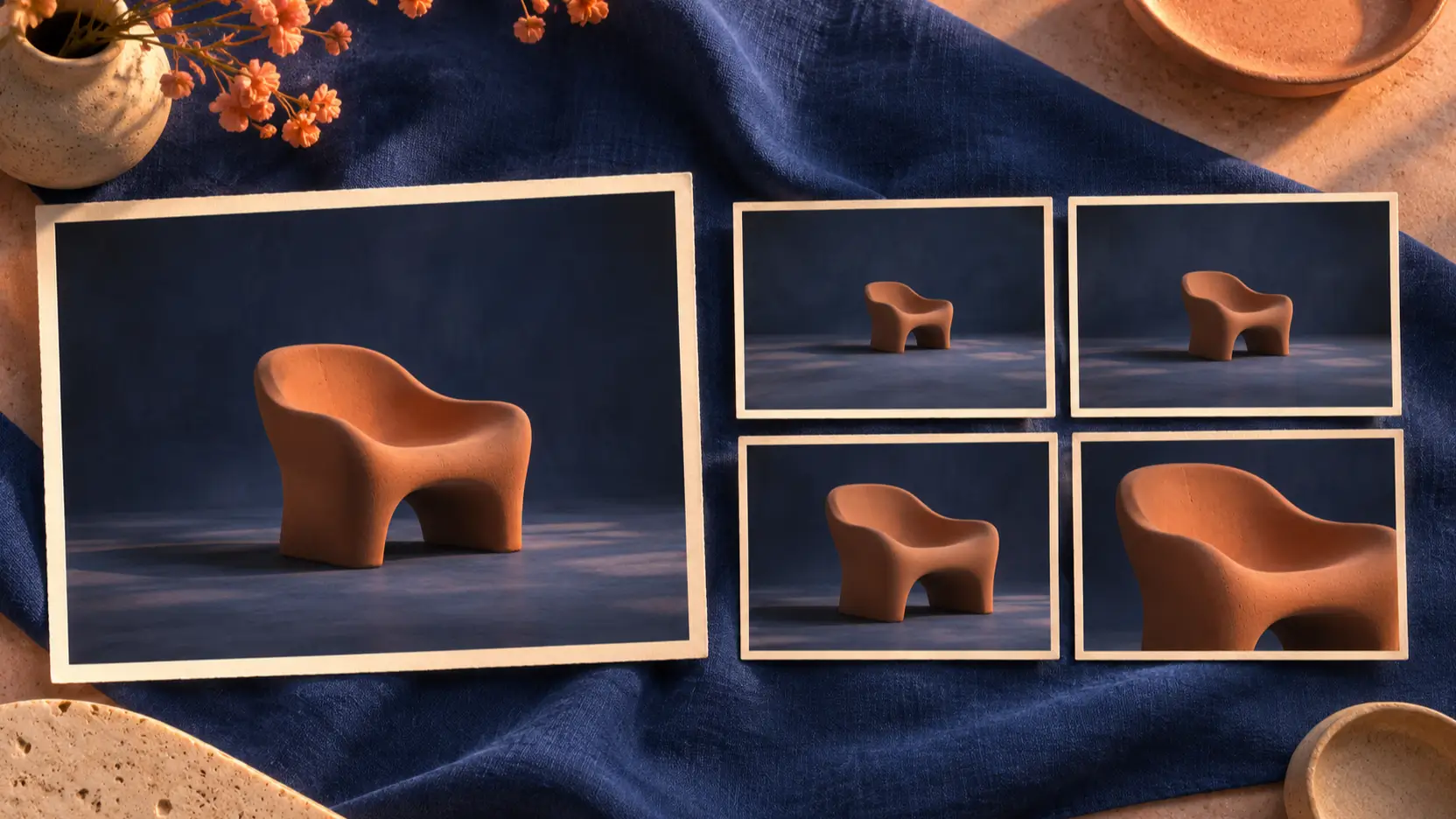
Inspect the still independently. An animation step should begin with an approved frame, rather than serve as a way to hide an incorrect object or awkward composition.
Build a small test around the work you need
Prepare a short brief before comparing models. Otherwise, a visually appealing output can distract from the job you needed it to do. Define the subject, required framing, details that must remain intact, and conditions that would make a result unusable.
Start with one straightforward scene. A suitable example is a terracotta chair in a daylight studio, shown in a three-quarter view with empty space on the right for a headline. Review the full image and a close crop. Check the legs, contact shadow, surface texture, and whether the requested copy space is genuinely usable.
Then change one instruction. Ask for evening light while preserving the camera angle, or request a wider composition while keeping the chair's proportions. If image editing is available in the service you test, try a background-only change and inspect the object for unintended alterations. Record which operation and model you actually selected.
Keep the comparison fair: use the same brief and reference material where supported, and retain unsuccessful attempts. Keep the whole batch: the rejected images help show how much revision a similar assignment might need. Note why an output failed, such as incorrect perspective or an unwanted extra object, instead of assigning a vague quality score.
For a broader production example, Picir's product photography workflow guide discusses a separate model. Borrow the discipline of preparing references and reviewing details; verify Image 4.0's controls independently.
Check access and cost before committing a batch
An API announcement is useful for planning, but an integration still needs documented request fields, authentication, available operations, and billing rules. Confirm those details with the service you will actually call. A reseller's model name or price is specific to that service unless the official documentation says otherwise.
Do not budget from the teaser or assume an older image package applies. Kling's developer page explicitly distinguishes package compatibility, including an exclusion for Image 4.0 in the general image packages shown in the checked material. Verify the package before using an older rate in a new budget.
Compare spending against usable work. Track generation charges and the review or retouching effort required to reach an approved asset. If your current model already meets tomorrow's brief, finish that delivery and test the newcomer separately. Switching becomes easier to justify when a repeatable result solves a specific problem.
FAQ
Is Kling Image 4.0 still only a teaser?
No. Kling's official Chinese account has announced its launch and API access for enterprises and developers. Older teaser coverage remains online, so check the source date and your actual account access before following an earlier description of its status.
Are 4K output and reference-image limits confirmed here?
No specific output resolution or reference limit is established by the launch announcement used here. Check current model-specific documentation and the selected service's controls. Do not copy specifications from Kling's video models or older image models into an Image 4.0 brief.
Can I use Kling Image 4.0 through an API?
Kling has announced API access for enterprise customers and developers. Before implementing it, confirm how your account obtains access and which operations, parameters, and prices apply. This article does not provide a tested endpoint or claim availability through Picir.
Conclusion
The Kling Image 4.0 teaser is now part of a launch story. The useful next step is to verify access, read the model-specific documentation, and test a brief whose failures you can identify. Keep the first experiment small enough to review closely before building a larger workflow around it.