Social Creators and Communities
Turn reactions and character ideas into animated GIFs for posts, messages, and community conversations.

GPT Image 2.6 can generate images, animated GIFs, and SVG designs. Animate characters and product ideas, create vectors for websites and print, and refine images while preserving more of the details that matter.
Explore animated characters, scalable SVG designs, imaginative scenes, and guided edits. Use a starter prompt to create your own variation.
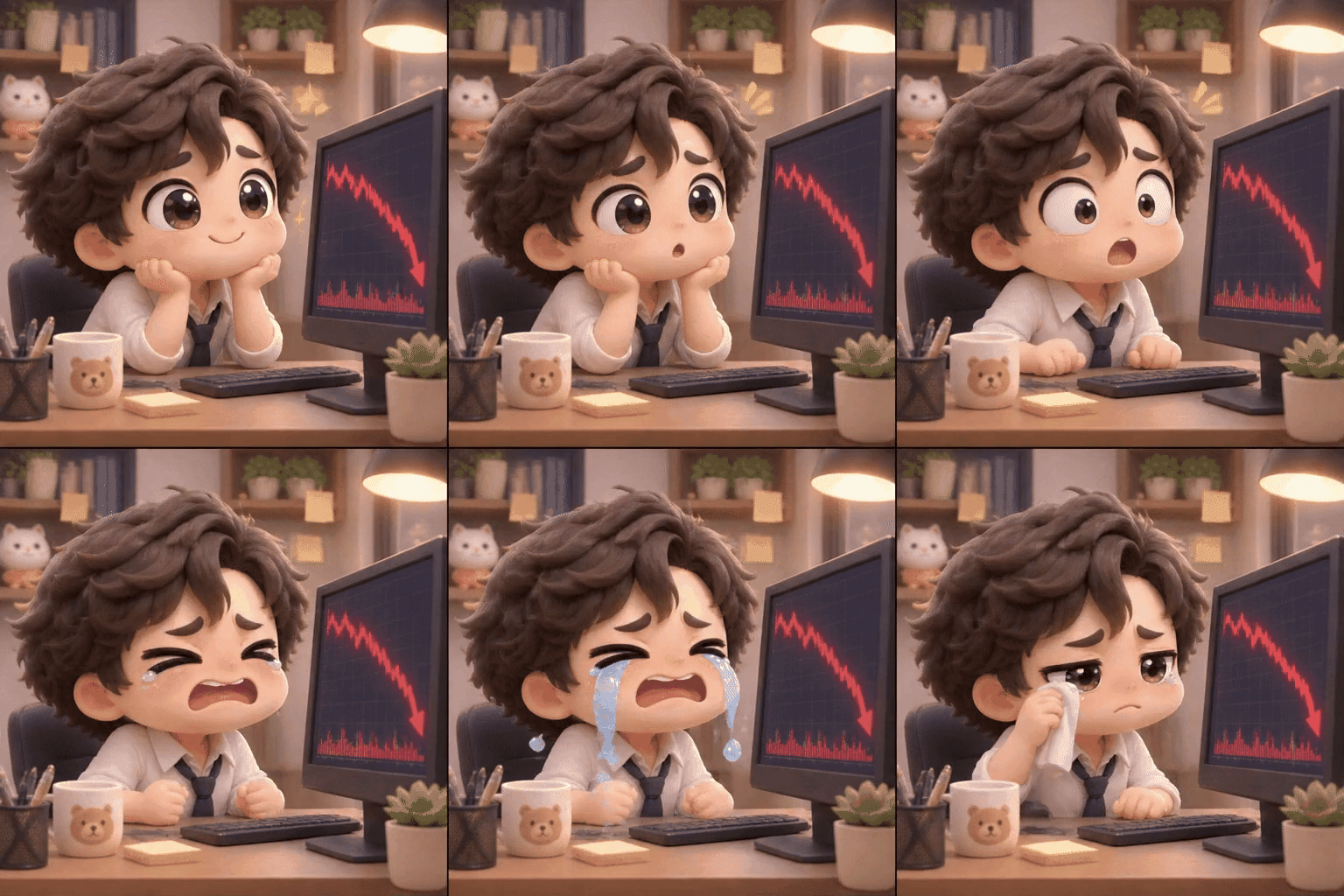
GPT Image 2.6
OpenArt: A Falling Market
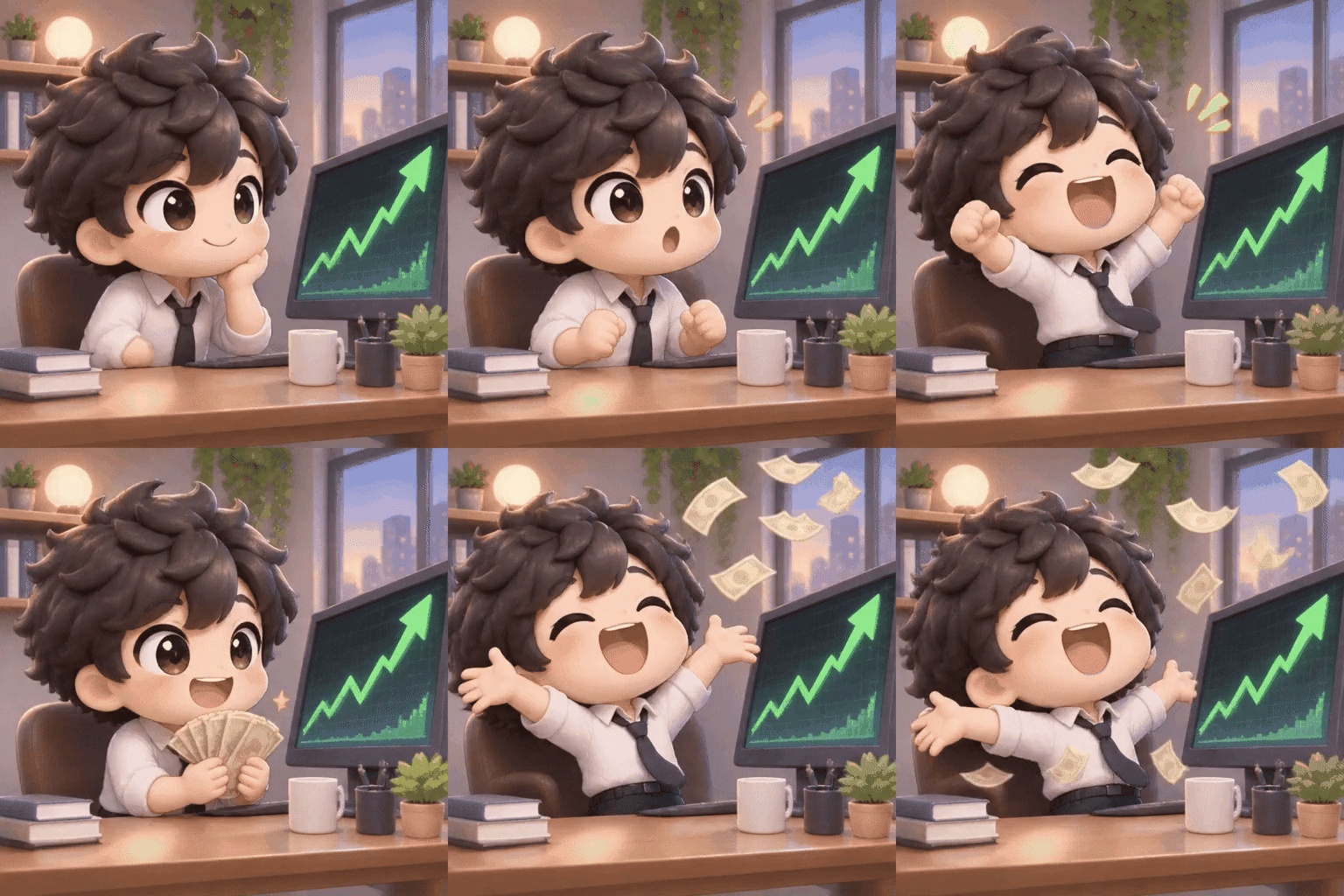
GPT Image 2.6
OpenArt: A Rising Market

GPT Image 2.6
Field & Flour: SVG Bakery Logo
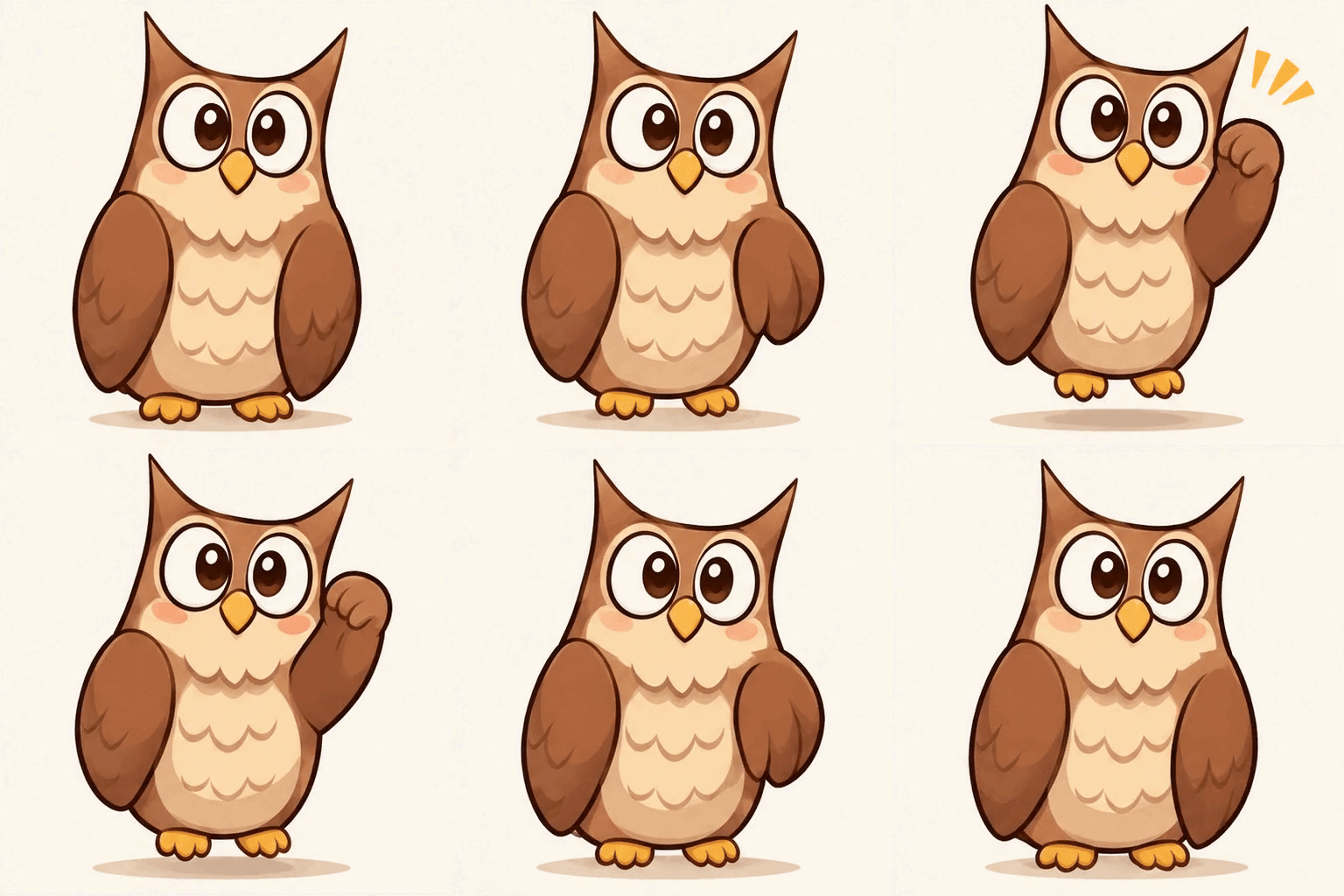
GPT Image 2.6
Sketch to Character
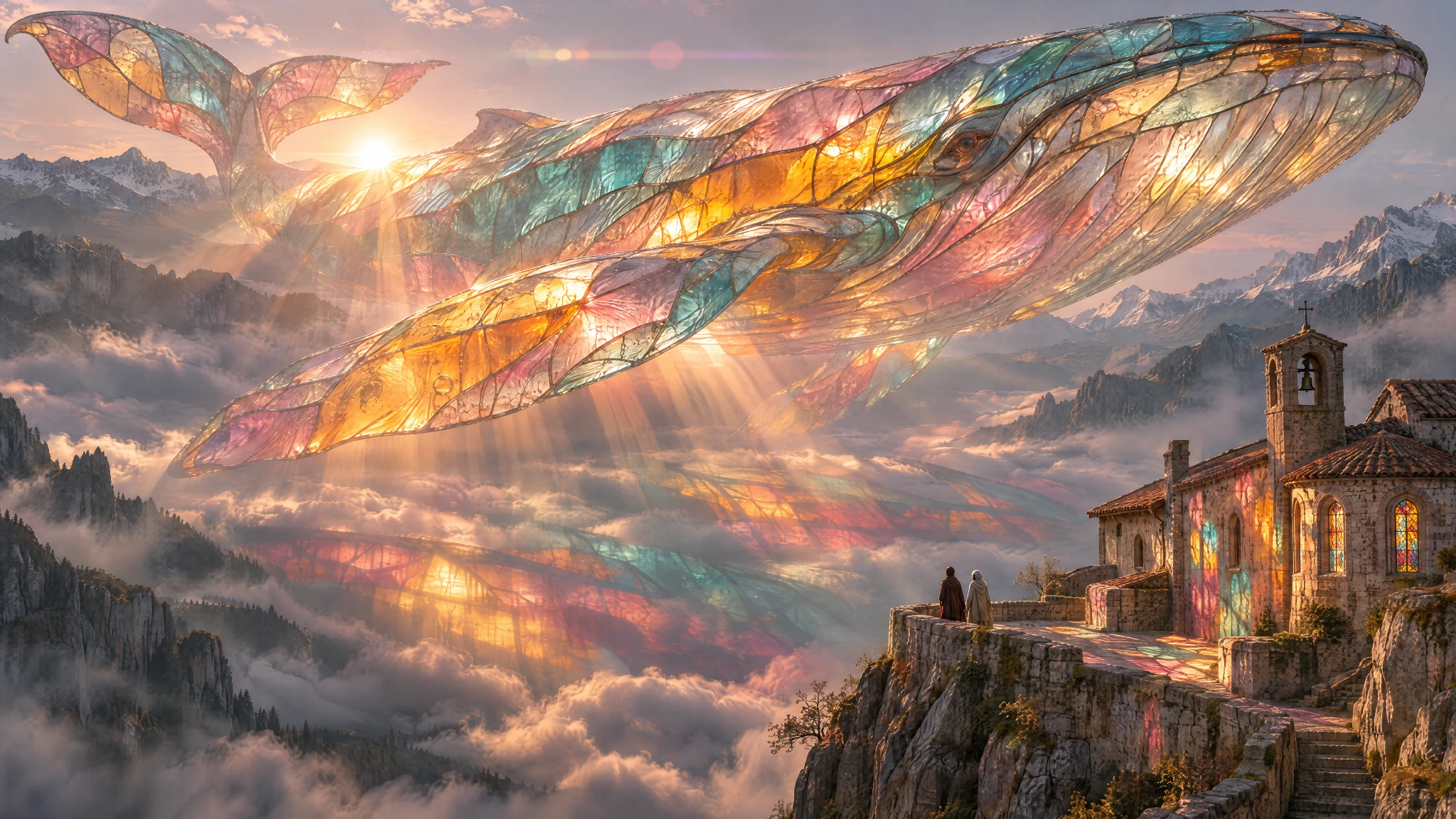
GPT Image 2.6
Picsart: Glass Whale
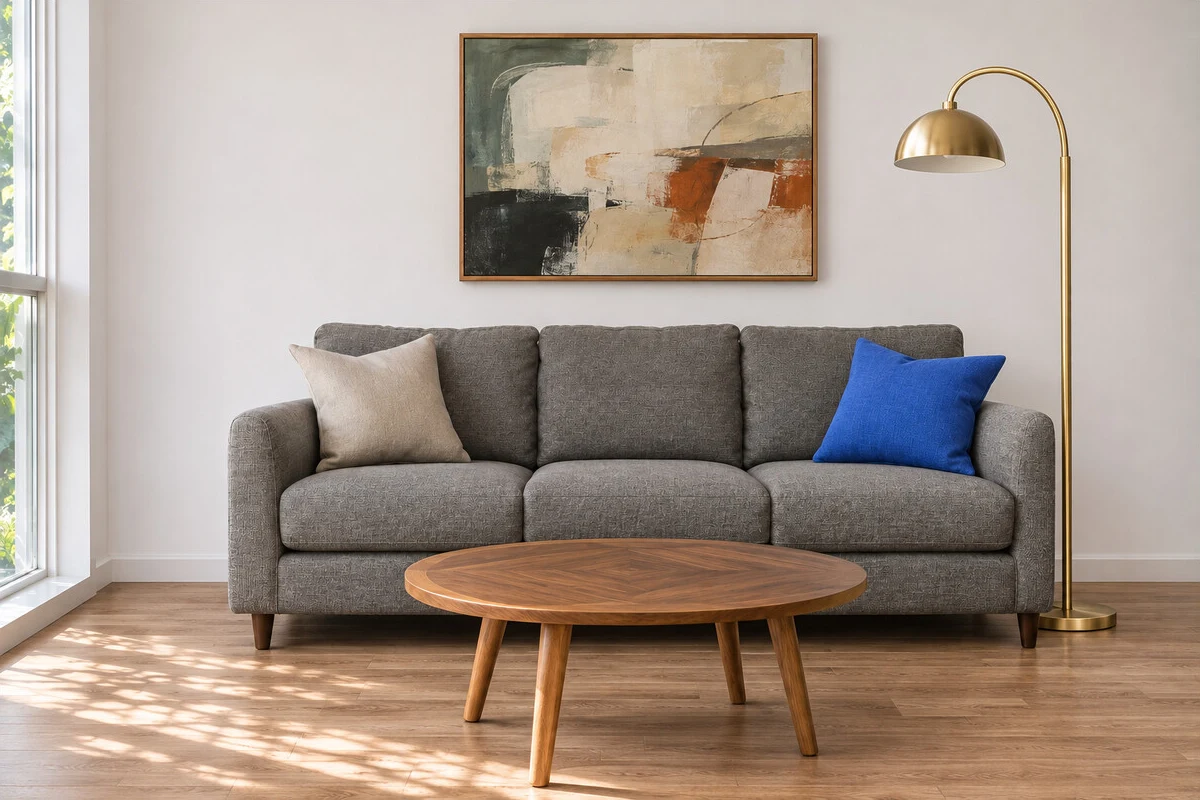
GPT Image 2.6
Markup-Guided Room Edit
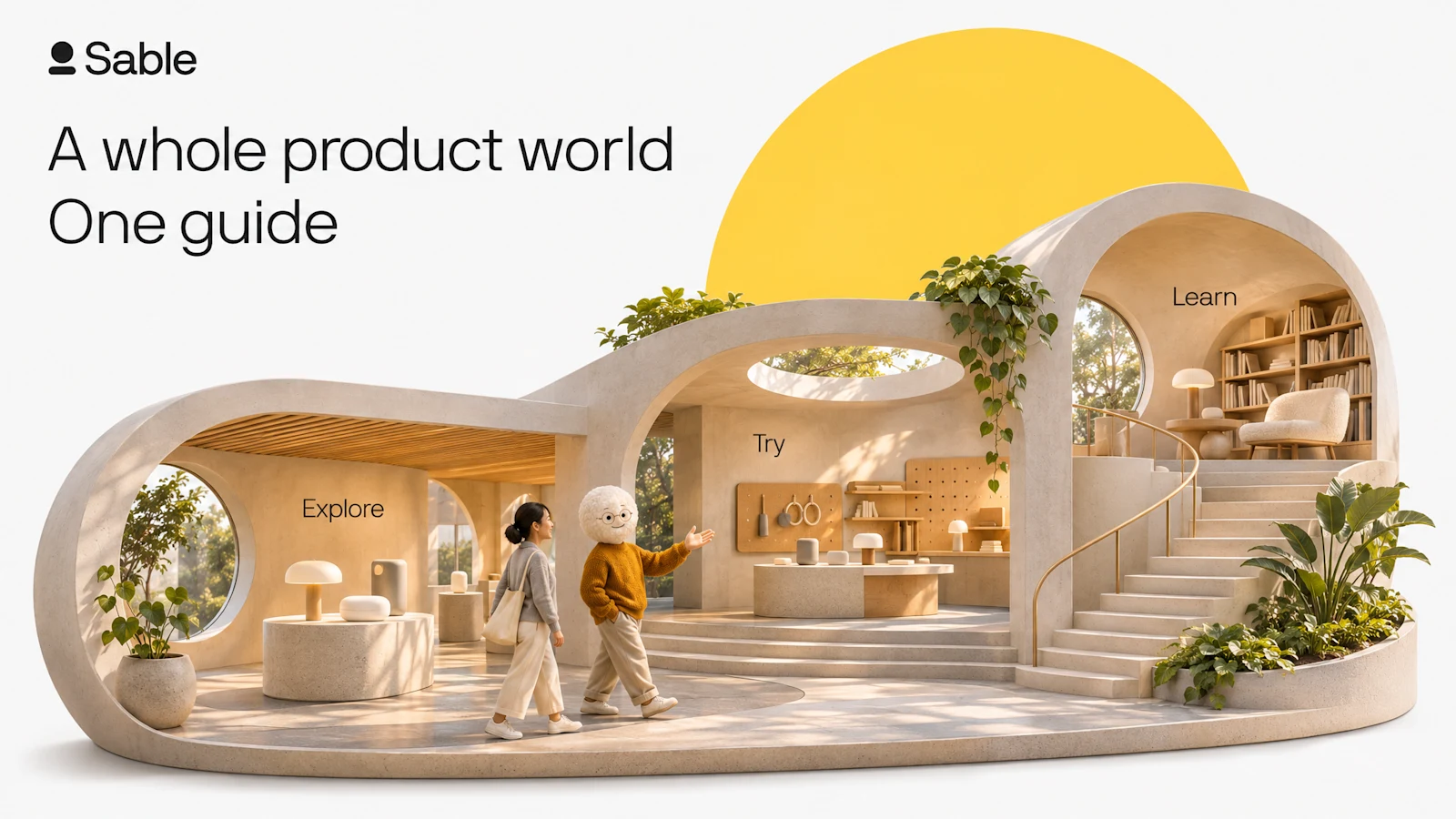
GPT Image 2.6
Sable: A Miniature Product World
OpenAI's image model family adds animation and vector output to image creation and editing.
OpenAI released Images 2.6, also called ChatGPT Images 2.6, on November 4, 2026. The family includes Flare for fast iteration and Sunburst for detailed compositions and consistent editing.
Alongside still images, this release introduces animated GIF creation and SVG output. It also improves how the model responds to sketches and annotations, helping creators express both what to change and where to change it.
GPT Image 2.6 supports these creative workflows:
GIF and SVG creation lead six improvements to how you generate, direct, and refine visuals.
Bring motion to characters, reactions, and product ideas. GPT Image 2.6 adds GIF creation, with launch examples showing expressive office characters and an owl animated from a sketch.
Generate vector designs for websites, applications, and print. SVG output gives designers a format suited to assets that need to stay sharp as their display size changes.
Refine a character, product, or scene over multiple rounds with better detail preservation. Sunburst emphasizes consistency and precision at medium and high image quality.
OpenAI reports 50% faster image generation, with Flare producing images in as little as six seconds at low quality. Actual timing depends on settings and the request; Flare also improves poster and product layouts.
Use sketches and visual annotations to communicate where an edit belongs. Markup provides spatial guidance for a change; it does not guarantee that every unmarked pixel stays identical.
The new complexity control adjusts planning effort separately from image quality. Lower complexity suits focused edits, while more involved scenes can benefit from additional planning.
Use still images, GIFs, and vectors for everyday creative work, communication, and design.
Turn reactions and character ideas into animated GIFs for posts, messages, and community conversations.
Explore campaign mascots, product loops, posters, and related visuals while keeping recognizable brand details across revisions.
Create SVG designs for scalable visual assets and use image editing to refine layouts, illustrations, and product presentations.
Develop characters from sketches and explore movement in short animations or storyboards before committing to a larger production.
Turn your brief into a finished visual in three steps.
Write the subject, style, composition, and any text you need. To edit an image, upload a reference and explain what should change and what should stay.
Select the model and settings that suit your project. Review the credit total shown by the generator before you start.
Create your image, inspect the result, and download it. For another edit, add the result as a reference and describe a focused revision.
Key GPT Image 2.6 capabilities, creative controls, and output formats.
| Developer | OpenAI |
| Release date | November 4, 2026 |
| Model variants | GPT Image 2.6 Flare; GPT Image 2.6 Sunburst |
| Inputs | Text and images |
| Image workflows | Image generation, image editing, and markup-guided edits |
| New output formats | Animated GIF and SVG |
| Creative controls | Image quality and separate complexity control |
| Flare speed claim | As little as six seconds at low quality; not a guaranteed response time |
| Maximum raster resolution | Not confirmed in the reviewed 2.6-specific documentation |
| Video and audio | Not supported as general video or audio generation; animated GIF is a separate capability |
Last updated: November 5, 2026
Compare the new creative formats and editing improvements with the previous model family.
| Spec | GPT Image 2.6 | GPT Image 2.5 |
|---|---|---|
| Variants | Flare and Sunburst | Flare and Sunburst |
| Text and image inputs | Supported | Supported |
| Image generation and editing | Supported | Supported |
| Animated GIF generation | Added in this release | Not listed in the reviewed 2.5 specifications |
| SVG output | Added in this release | Not listed in the reviewed 2.5 specifications |
| Editing consistency | Improved detail preservation across edits | Reference-guided editing; Sunburst emphasizes precision |
| Separate complexity control | Introduced with 2.6 | Not listed in the reviewed 2.5 specifications |
GPT Image 2.6 Advantages: Adds GIF and SVG creation, with faster generation and stronger consistency through editing rounds.
GPT Image 2.5 Advantages: Supports image creation and reference-guided editing, with Flare for fast iteration and Sunburst for detailed work.
Choose GPT Image 2.6 for GIF creation, SVG output, and improved editing consistency. Choose GPT Image 2.5 when continuing an established still-image workflow.
Compare Picir AI plans and included credits. Check the generator for the credit cost of your selected GPT Image 2.6 model and settings before creating.
Find other image creation tools available on Picir AI.
Explore prompts and practical workflows for image, GIF, and SVG creation.
Learn about GIFs, SVG output, model choices, editing, and credits on Picir AI.
Use the GPT Image 2.6 AI Image Generator on Picir AI. Describe your idea or add a reference image, choose your settings, and start creating.
GPT Image 2.6 is OpenAI's image-generation and editing family, announced as Images 2.6 on November 4, 2026. It includes Flare and Sunburst and adds animated GIF creation and SVG output.
Yes. GIF creation is part of the 2.6 release, with examples including character reactions, animated sketches, and product loops. Describe the action, visual style, and loop you want to create.
Yes. GPT Image 2.6 supports SVG output for designs used across websites, applications, and print. SVG provides a scalable vector format; direct structural editing of an uploaded SVG document is not established in the reviewed documentation.
Flare emphasizes speed and fast iteration, including improved poster and product layouts. Sunburst emphasizes detailed work and consistency across image edits, particularly at medium and high quality.
Quality controls visual detail, while complexity adjusts the planning effort applied to a request. Markup identifies where an edit should happen. It guides the model without guaranteeing that all unmarked pixels remain unchanged.
Animated GIFs are supported, but the Sunburst model page lists general video and audio modalities as unsupported. GIF support does not imply MP4 video generation, soundtracks, or video-reference input.
Resolution and animation limits depend on the selected output format and settings. The reviewed primary 2.6 documentation does not establish an unconditional maximum raster resolution or GIF duration. Check the options available in the generator for your chosen workflow.
GPT Image 2.6 uses credits on Picir AI. The generator shows the credit total for your selected model and settings before you submit. Compare subscription plans in the pricing section for their included credits.
Describe the subject, style, composition, and intended output format. For animation, explain the action and loop; for SVG, describe the shapes and visual hierarchy. For edits, name the change and the details to preserve.