
Nano Banana 2.1 AI Image Generator
Turn your ideas into natural-looking images with Nano Banana 2.1 from Google. Create readable designs, combine visual references, and refine existing pictures with a written instruction. Try Nano Banana 2.1 on Picir AI today.
Bring Your Ideas Into Focus With Nano Banana 2.1
Make Images That Match Your Brief
Describe the subject, setting, and mood in everyday language. Stronger instruction following helps bring those choices into the finished picture.
Keep Familiar Details Across Variations
Use your own pictures to guide a new composition. Reference images help carry recognizable people, objects, and visual styles into another scene.
Refine a Picture Without Starting Over
Upload an existing image and explain the change you want. Explore a new background, lighting, or look while giving the model a clear starting point.
What Nano Banana 2.1 Can Do
- •More Convincing Detail: Improved image quality helps textures, lighting, and subjects feel more natural.
- •Text Within Images: Create compositions that include headings, labels, or short messages, then check the spelling in your result.
- •Multiple Visual References: Combine up to 10 reference images on Picir AI to guide subjects, objects, and style.
- •Flexible Image Sizes: Choose 1K, 2K, or 4K output and a shape that fits your composition, including wide and tall formats.
- •Prompt-Based Image Editing: Add a source picture and describe what to change, from its setting to the overall visual treatment.
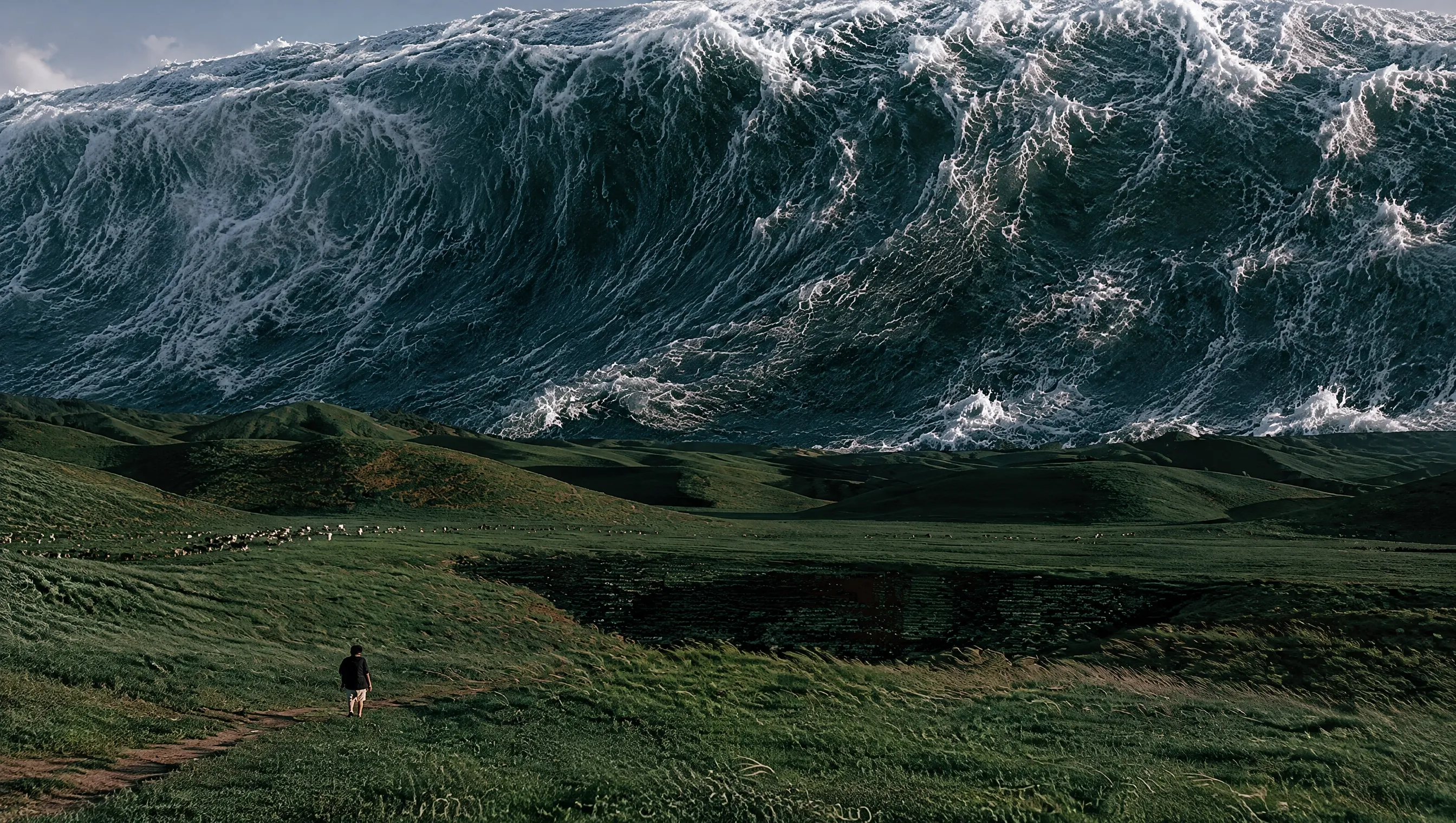
Give Imagined Scenes a More Natural Finish
Nano Banana 2.1 improves how fine details and light come together in an image. Describe the mood and viewpoint to guide the composition. Use it for realistic scenes or imaginative concepts with a photographic feel.
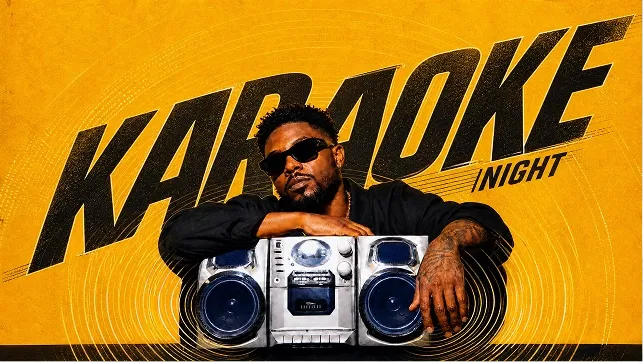
Build Designs Around Words That Matter
Nano Banana 2.1 improves lettering and the arrangement of text within a composition. Specify a short headline and describe where it should sit. Review the finished wording before sharing, especially when the design contains smaller text.
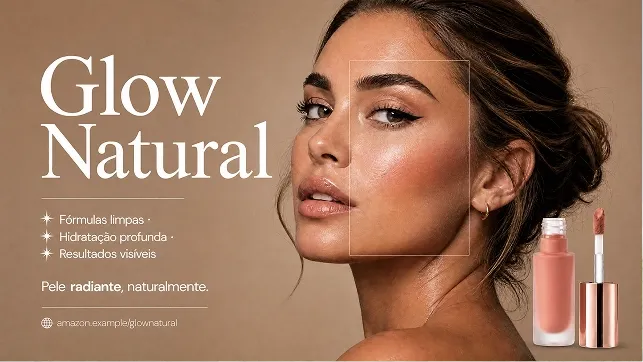
Bring References Into One Coherent Picture
Give Nano Banana 2.1 visual guidance for the people, objects, or atmosphere you want to include. On Picir AI, you can upload up to 10 images and explain the role of each one. Check the result for the identifying details that matter to you.
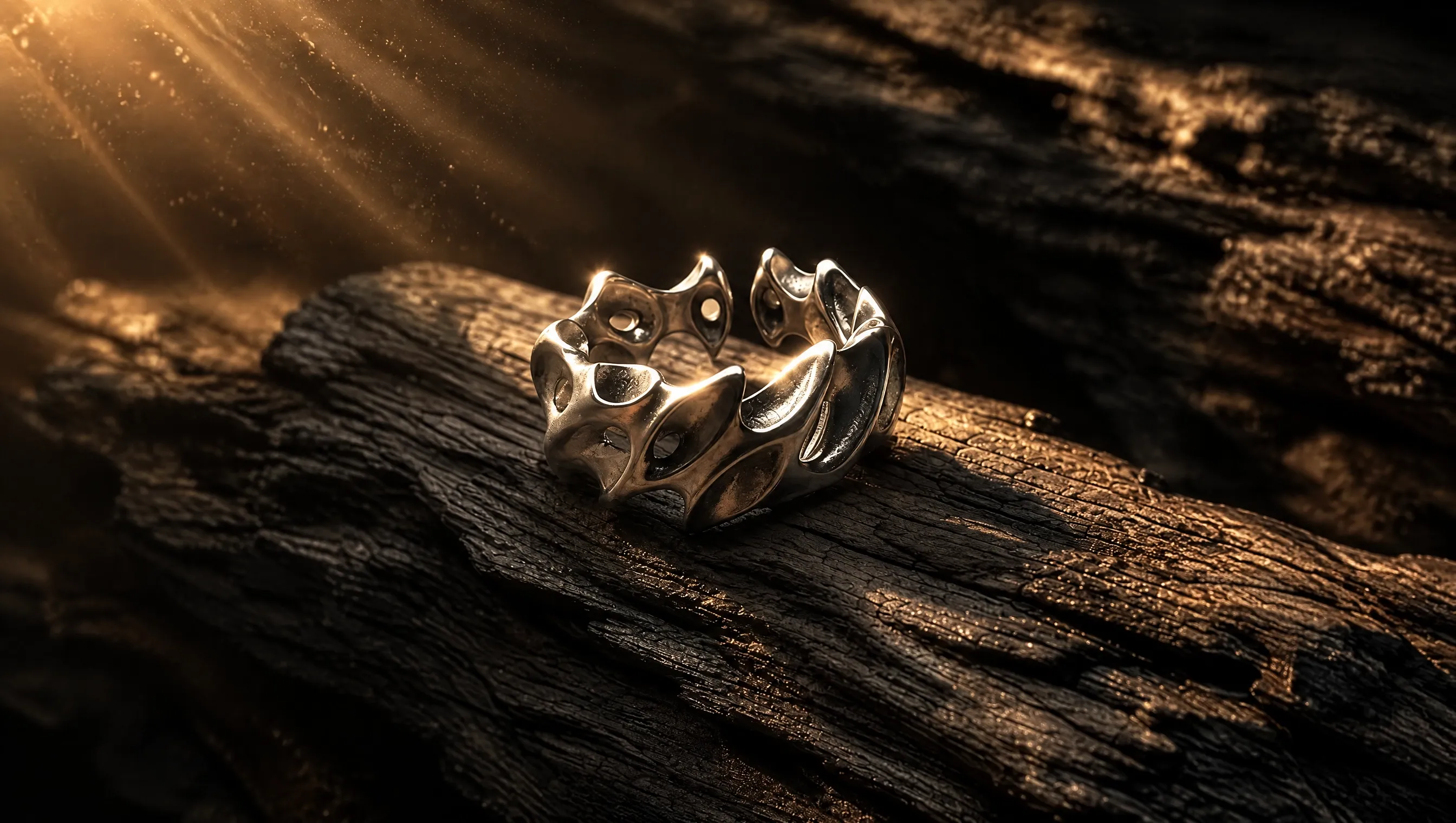
Show Materials and Surfaces in Greater Detail
Choose a higher output resolution when small visual details are important. Nano Banana 2.1 offers 1K, 2K, and 4K options on Picir AI. Describe texture, lighting, and framing to guide how the subject appears in the final image.
How to Use Nano Banana 2.1 on Picir AI
Go from a written idea to an image in three steps.
Describe Your Image or Edit
Enter a prompt with your subject, setting, and style. For an edit or reference-guided image, upload up to 10 pictures and explain what to keep or change.
Choose Your Output Settings
Set the aspect ratio, select 1K, 2K, or 4K resolution, and choose JPG or PNG. Check the displayed credit cost before generating.
Generate, Review, and Download
Generate your image, inspect its text and important details, then download the result. To refine it further, use the result as a reference for a new request.
Choose the plan that's right for you
Get all features of Picir.ai, complete tasks quickly and achieve professional results with our advanced AI technology.
Basic
- 600 credits/month
- All features available
- Unlimited downloads per day
- Assets owned by customer
- Faster generation speed
- Priority support
Pro
- 1600 credits/month
- All features available
- Unlimited downloads per day
- Assets owned by customer
- Faster generation speed
- Priority support
Max
- 4000 credits/month
- All features available
- Unlimited downloads per day
- Assets owned by customer
- Faster generation speed
- Priority support
Prime
- 8000 credits/month
- Team management
- Up to 5 team members
- All features available
- Unlimited downloads per day
- Assets owned by customer
- Faster generation speed
- Priority support
Nano Banana 2.1 Specifications
The options available in the Picir AI generator.
| Developer | |
| Generation modes | Text to image; image-guided generation and editing |
| Output resolution | 1K, 2K, 4K; default 1K |
| Aspect ratios | Auto, 1:1, 16:9, 9:16, 4:3, 3:4, 3:2, 2:3, 5:4, 4:5, 21:9, 4:1, 1:4, 8:1, 1:8 |
| Reference inputs | Up to 10 images per request on Picir AI |
| Upload size | Up to 30 MB per image |
| Output formats | JPG, PNG |
Last updated: October 14, 2026
Nano Banana 2.1 Questions Answered
Learn about image creation, references, and the settings available here.
What is Nano Banana 2.1?
Nano Banana 2.1 is a Google image model for creating pictures and editing images through written instructions. It updates Nano Banana 2 with improvements to visual quality, text, and consistency.
What changes from Nano Banana 2?
The update focuses on more natural visuals, clearer lettering, and more consistent subjects. Google also reports improved handling of panoramic compositions at higher resolutions.
How many reference images can I use?
You can add up to 10 reference images per request on Picir AI, with a maximum size of 30 MB each. Explain which details to take from each picture so your references have a clear purpose.
Can Nano Banana 2.1 make 4K images?
Yes. The generator offers 1K, 2K, and 4K output, with 1K selected by default. Choose an aspect ratio for your layout; image dimensions depend on both the shape and resolution setting.
Can I edit a picture I already have?
Yes. Upload the picture and write the change you want, such as a different background or lighting. To make another adjustment, add the generated result to a new request as a reference.
Can it create readable text in images?
Nano Banana 2.1 improves text rendering for designs such as posters and illustrated messages. Keep the requested wording short and clear, and check spelling and placement in the finished image.
Will people and objects stay identical across images?
Reference images help preserve recognizable details, but consistency is not guaranteed. Describe the features to retain and inspect faces, shapes, and small details in each result.
How do I choose settings on Picir AI?
Select the aspect ratio, resolution, and JPG or PNG output format in the generator. Review the credit cost shown for your selection before starting a generation.
Where can I use Nano Banana 2.1?
You can use Nano Banana 2.1 on Picir AI.