
What Is GPT Image 2.6? Confirmed Facts for Image and Video Creators
on 8 hours ago
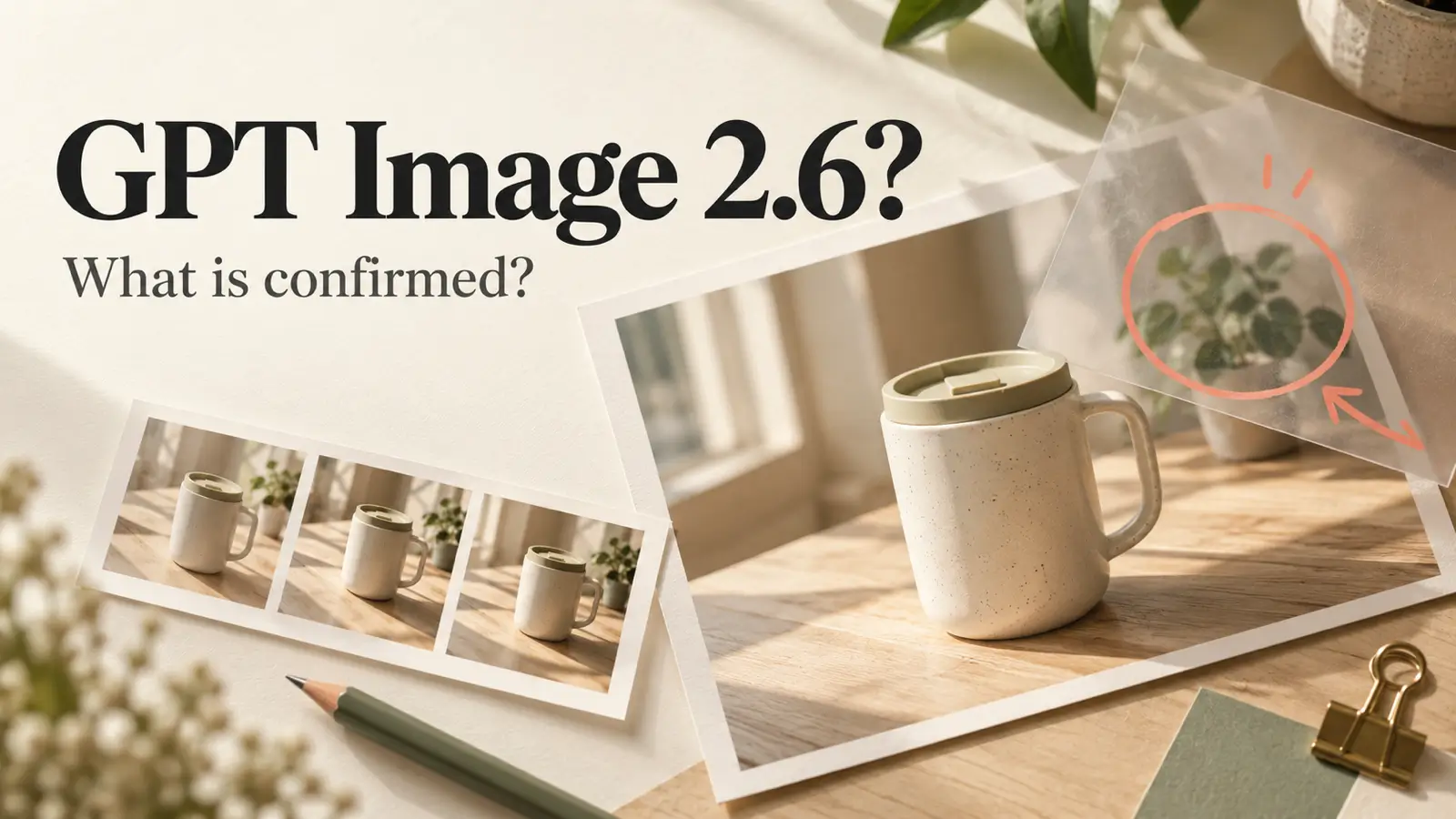
Editorial illustration of an image editing workflow; not a GPT Image 2.6 output or product screenshot.
Last checked: November 2, 2026.
GPT Image 2.6 is a name that appeared in OpenAI's public API specification for image editing. It is not yet a publicly documented model release: at the time of checking, OpenAI's model catalog and API changelog do not list a GPT Image 2.6 launch. The available GPT Image 2.5 models remain the practical starting point for creators. OpenAI model catalog; API changelog.
If you make thumbnails, product visuals, or images for video, you need to know whether this changes what you can create today. This guide explains the official reference, the editing concept behind it, and a Picir workflow you can use with available models.
What Is GPT Image 2.6? The Confirmed Status
The name comes from a real OpenAI specification change. A commit adding an optional markup input to image editing requests included the phrase “Supports GPT Image 2.5 and 2.6.” That establishes that OpenAI used the name in a public technical document. It does not establish a release date, a usable model ID, or a finished feature set. Original OpenAI specification change.
A later revision changed the endpoint descriptions to name GPT Image 2.5 only. This makes the historical reference worth explaining, but it leaves no sound basis for promising a 2.6 launch or specific capabilities. OpenAI's subsequent clarification.
Here is the status that matters when planning a project:
| Question | What the checked sources establish |
|---|---|
| Has the name appeared in official material? | Yes, in the image editing specification history. |
| Is there a published 2.6 model listing or launch entry? | None found in the checked catalog and changelog. |
| Is pricing available? | No 2.6 entry found on OpenAI's pricing page. |
| Are quality, speed, and output limits confirmed? | No published 2.6 model specification was found. |
The pricing status comes from OpenAI's API pricing page. Treat a third-party article or landing page as a starting point for investigation, not proof that a model can be selected and used.
What Markup Editing Means for Creators
Markup editing is the practical idea behind the reference. The specification describes a transparent PNG placed over the first input image to guide an edit. It must match that image's dimensions after orientation, contain transparent pixels, and be submitted without a mask in the same request. These are input requirements, not a promise about output accuracy. OpenAI's markup clarification.
Think of an art director drawing feedback on a transparent sheet over a photograph. A mark can point to a background object, while the written instruction explains the requested change. For example, a creator could indicate a distracting vase and ask to remove it while preserving the table and product.
That example illustrates the purpose of visual guidance; it is not a tested 2.6 result. The distinction matters because knowing where to edit and reliably preserving everything else are separate challenges. It also does not mean every app using GPT Image has a markup upload control. Use the editing inputs your chosen tool actually exposes.
GPT Image 2.5: What You Can Use Today
GPT Image models support text-to-image generation and editing existing images. In plain language, you can describe a new scene or supply an image and request changes to it. OpenAI's current image generation guide identifies two 2.5 variants: Flare for fast, high-quality everyday generation, and Sunburst for workflows where editing precision matters most. OpenAI image generation guide.
OpenAI introduced ChatGPT Images 2.5 with improvements in detail, editing, and reference preservation. Its announcement positions Sunburst as an option for demanding creative work that takes longer to generate. Those are claims about 2.5; they should not be relabeled as confirmed 2.6 features. OpenAI's Images 2.5 announcement.
For a creator, the choice starts with the job. Flare is a reasonable place to explore several thumbnail compositions. Sunburst is worth evaluating when a product image needs a carefully limited revision. Compare results against your own brief before deciding which suits repeat work.
Picir's GPT Image 2.5 generator currently presents both variants. Check the selected model and settings before generating so that the result you evaluate corresponds to the option you intended to use.
How to Put This Into a Picir Creative Workflow
You can build a useful image-to-video workflow around available models today. Start with a still image that solves the visual brief, then handle movement as a separate creative decision.
Build a clear first image
For a product campaign, define the subject, setting, lighting, framing, and space for copy. If you are using a reference image, name the details that must survive. Try a prompt such as:
Create a product photograph using the attached ceramic travel mug. Preserve its shape, cream glaze, lid, and handle. Place it on a pale wooden desk beside a window in soft morning light. Leave clear space on the right for a headline. No added text.
Use this as a starting prompt for an available image model. The product details and empty headline area give you something specific to check in the result.
Revise one problem at a time
Review the first image against the brief. Is the handle intact? Has the lid changed? Is the empty area large enough for your headline? If the composition works but the background distracts, request a focused edit:
Replace only the background plant with a plain wall. Keep the mug, desk, camera angle, shadows, and empty space unchanged.
Save a version you like before making another revision. That gives you a reliable reference if a later edit changes something you wanted to preserve. For exact campaign typography, consider adding the final headline in your design editor after approving the image.
Add motion with a video model
Once the still is approved, open Picir's image-to-video editor. Select an available video model that accepts your image, then describe movement: a slow push toward the mug, for example, with the product stationary and the lighting consistent.
Describe movement without redesigning the scene you just approved. Then review the clip for product shape, flicker, and unwanted camera movement. Keep the original still so you can try another motion prompt if the first clip misses the brief.
Common Misconceptions About GPT Image 2.6
A higher version number alone cannot tell you whether a model will handle your work better. Claims about sharper text, faster generation, or stronger character consistency need published specifications or comparable results. Until those exist for 2.6, there is no defensible performance comparison with 2.5.
Nor does an image editing reference establish video generation support. The documented change concerns image edits. For video projects, treat the image as a possible visual asset and evaluate the video model separately.
AI image editing also still needs close review. OpenAI documents limitations involving text placement, recurring characters or brand elements, and precise composition. Enlarge a finished image to inspect small details before using it in an ad or passing it into a video workflow. OpenAI's image generation limitations.
FAQ
Can I use GPT Image 2.6 in Picir now?
No verified 2.6 option was found during this check. Picir's published GPT Image page offers 2.5 Flare and Sunburst. Check the live model selector for changes before starting a project.
How much does GPT Image 2.6 cost?
No 2.6 pricing entry was found in OpenAI's published API pricing. Avoid budgeting around estimated rates. For an available Picir model, check the credit amount displayed before generation.
Should I wait for GPT Image 2.6?
If you have a project due, use an available model and assess whether it meets the brief. Keep your prompts, reference images, and approved outputs so you can compare a future release without rebuilding the project.
Conclusion
The answer to “What Is GPT Image 2.6?” remains limited: it is a name in OpenAI's specification history with no verified public launch in the sources checked. You can already use GPT Image 2.5 for generation and focused edits, then take an approved still into a separate video workflow. Start with one real brief in Picir and check the result against the product, composition, and movement you requested.