Product and Ecommerce Teams
Explore product colors, materials, and settings while keeping recognizable design details across revisions.

Ideogram 4.6 can create images and refine them through focused, successive edits. Change colors, materials, or scenes while preserving surrounding details, with native image generation at up to 4K.
Explore six images from the official Ideogram 4.6 gallery, then use an editable starting prompt to create your own variation.
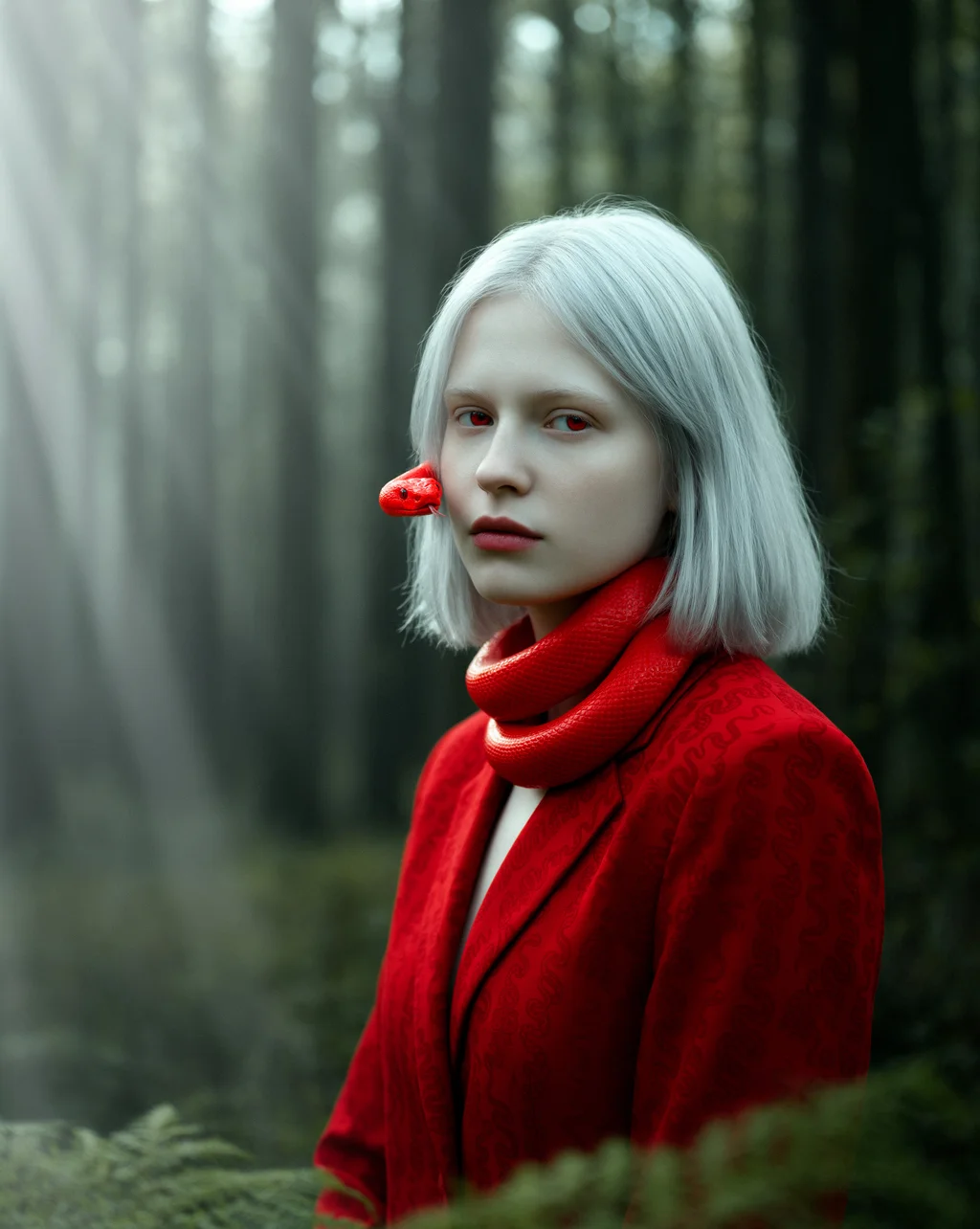
Ideogram 4.6
Woodland Fantasy Portrait
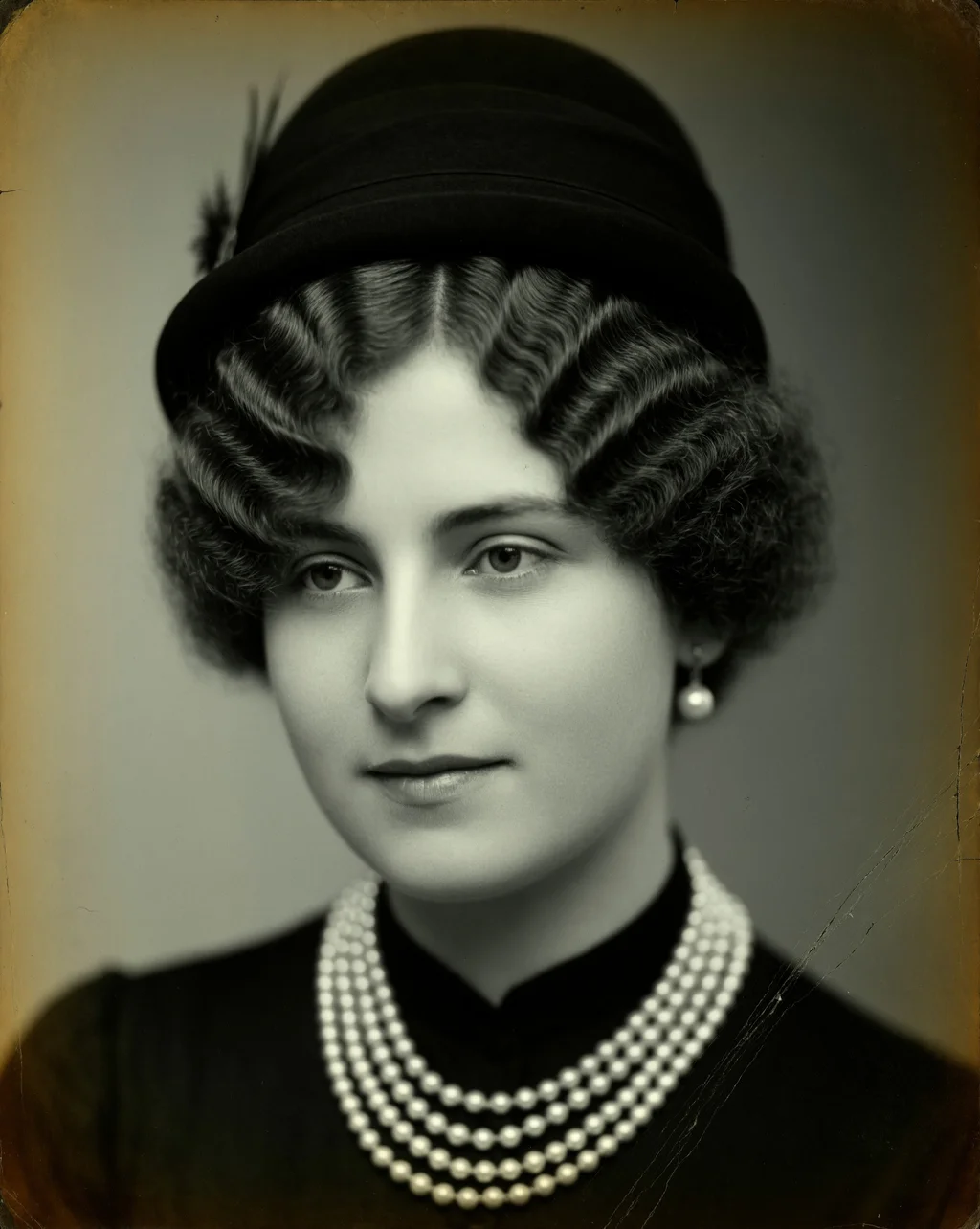
Ideogram 4.6
Vintage Studio Portrait
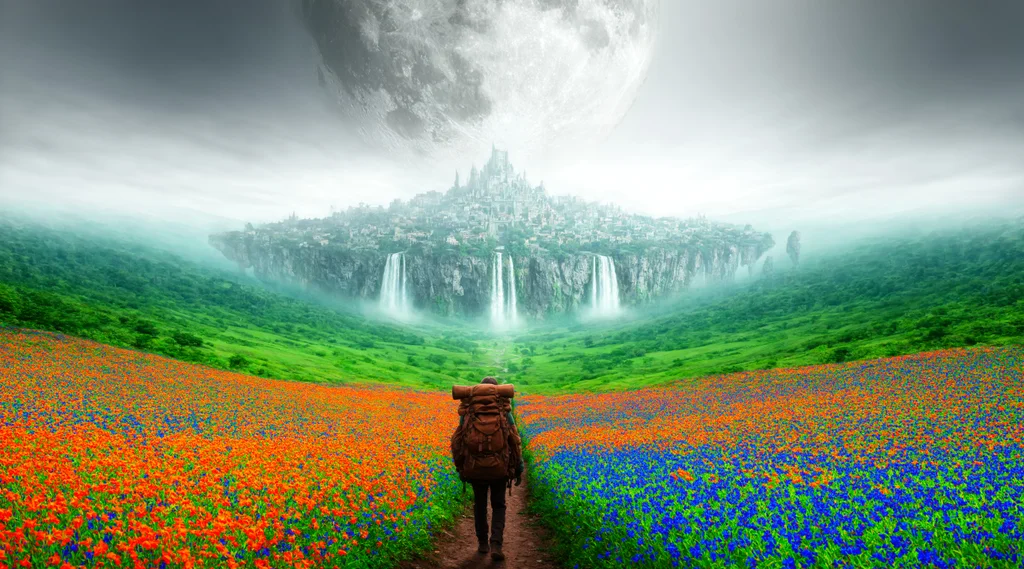
Ideogram 4.6
Journey to a Floating City

Ideogram 4.6
Sunlit Meadow on Film
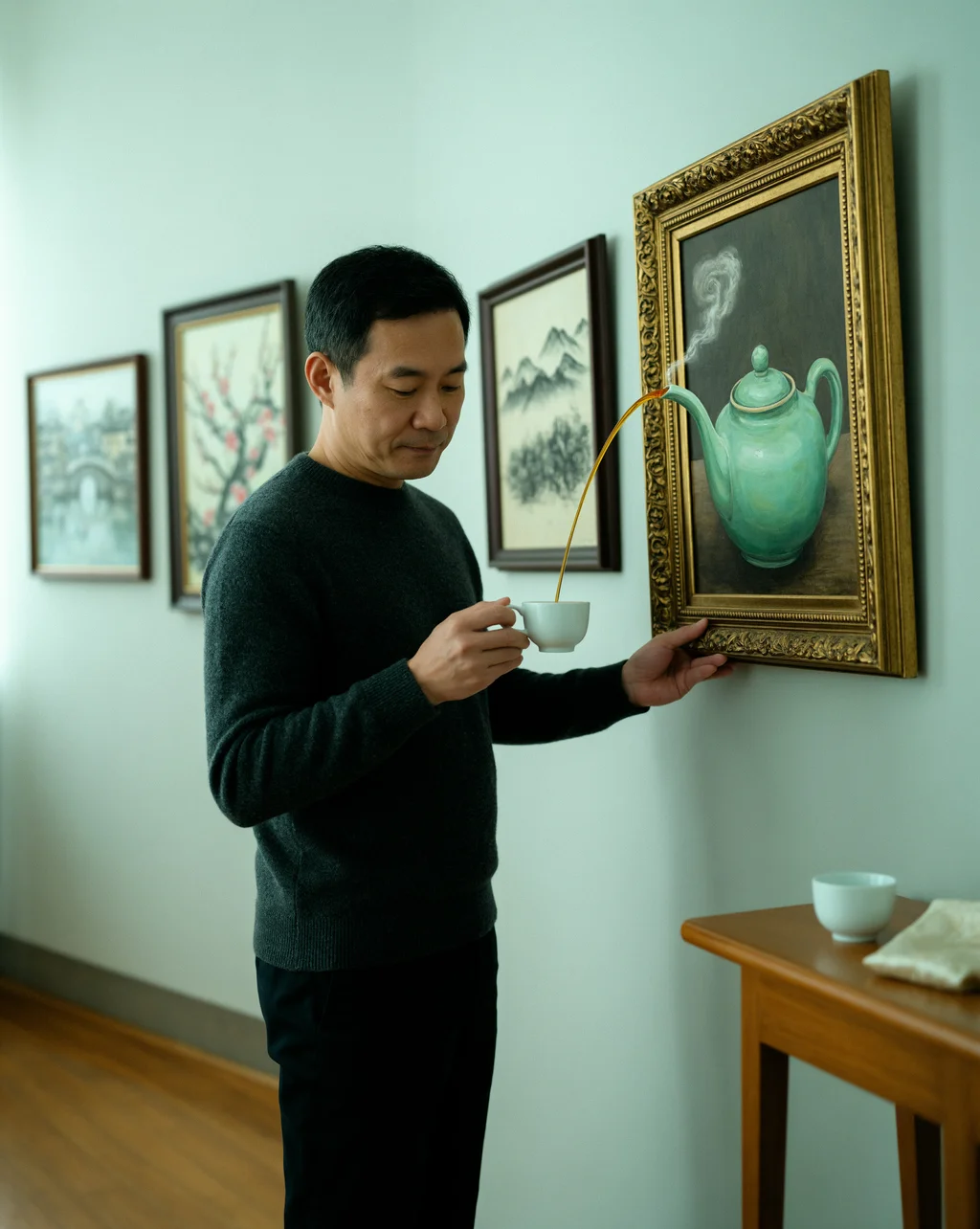
Ideogram 4.6
Tea Beyond the Canvas
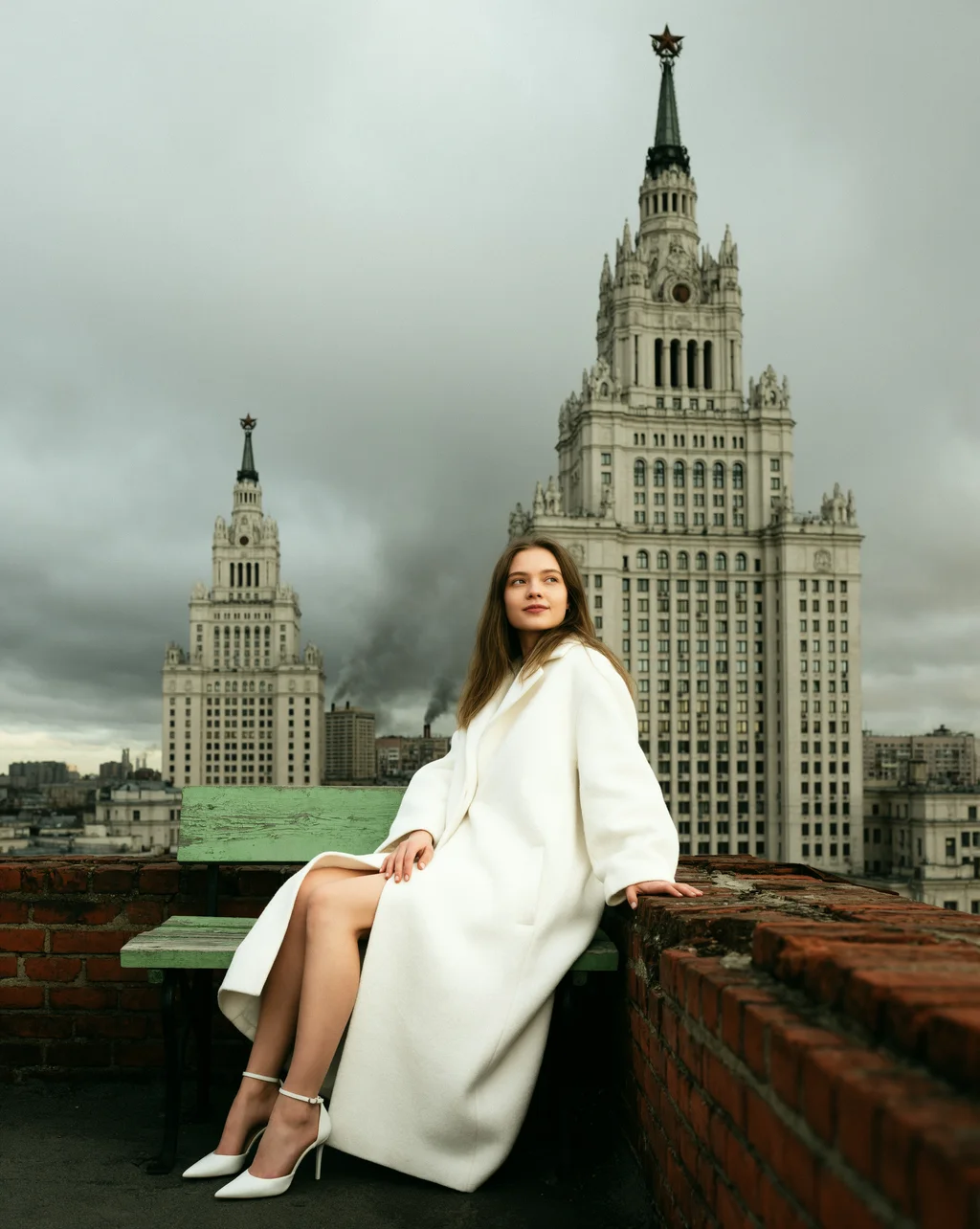
Ideogram 4.6
Rooftop Fashion Editorial
An image generation and editing model built for detailed visuals and controlled revisions.
Ideogram released Ideogram 4.6 on November 19, 2026. It combines text-to-image generation with precise image editing, helping creators refine one change at a time instead of rebuilding a scene.
The model introduces native image generation at up to 4K and improves color accuracy, product details, and character consistency compared with Ideogram 4.5 in the developer’s published evaluations. Results still depend on the source image and request.
Ideogram 4.6 supports three complementary creative workflows:
Review text, faces, colors, and small details after each revision. A focused request helps preserve the elements you want to keep.
Six capabilities for creating detailed images and refining existing work.
Create high-resolution images directly rather than relying on an upscaled preview. Ideogram 4.6 offers 2K and 4K output tiers; Very low quality is limited to 2K.
Change a specific object, material, or visual detail while asking the model to preserve the rest. Inspect each result before making the next change.
Build on the result of an earlier edit. Ideogram 4.6 is designed to reduce unwanted drift as you continue refining the same scene.
Specify a color or brand hex code when exploring product colorways. The developer reports improved color accuracy over Ideogram 4.5; check the finished shade against your brief.
The Generate workflow accepts up to five source images. Explain what each reference contributes, such as the subject, setting, or visual direction.
Precise Edit accepts an optional mask for local changes. Very low, Low, Medium, and High quality modes provide different detail and output-size choices.
Create new visuals or refine images for products, campaigns, stories, and personal projects.
Explore product colors, materials, and settings while keeping recognizable design details across revisions.
Develop campaign visuals, test brand color directions, and refine small details before preparing a final design.
Explore lighting, clothing, and scene changes while reviewing how well important faces and textures are preserved.
Turn written concepts into imaginative images, develop character scenes, and try new visual directions one step at a time.
Start from a prompt, choose your settings, and review the result.
Write the subject, setting, composition, and style you want, or apply a starting prompt from an example below.
Check the model shown in the generator, choose its available aspect ratio and output format, and review the credit total before submitting.
Create your image, inspect the details, and download your chosen result. Refine your prompt when you want a different composition or finish.
Verified capabilities of the Ideogram 4.6 model; available generation settings are shown in the tool.
| Developer | Ideogram |
| Release date | November 19, 2026 |
| Model type | Image generation and editing |
| Inputs | Text prompts and images |
| Output tiers | Up to 2K or 4K; Very low quality supports up to 2K |
| Quality modes | Very low, Low, Medium, High |
| Reference images | Up to five through Generate |
| Local editing | Optional mask through Precise Edit |
| Multi-turn workflow | Use the result of one edit as the source for the next |
Last updated: November 20, 2026
Compare the two generations using the same creative capabilities.
| Spec | Ideogram 4.6 | Ideogram 4.5 |
|---|---|---|
| Image generation and editing | Supported | Supported |
| Native generation resolution | Up to 4K | Native 2K |
| Generate reference images | Up to five | Up to five |
| Local edit mask | Optional through Precise Edit | Optional through Precise Edit |
| Quality choices | Very low, Low, Medium, High; Very low up to 2K | Very low for editing or reference-based generation; Low, Medium, High |
| Editing improvements | Improved color, character, and product consistency in the developer’s evaluations | Established precise editing and multi-turn workflow |
Ideogram 4.6 Advantages: Adds native generation at up to 4K and improves the editing tasks highlighted in Ideogram’s published evaluations.
Ideogram 4.5 Advantages: Supports precise edits and reference-based composition at native 2K for established image workflows.
Explore Ideogram 4.6 for higher-resolution generation and focused revisions. Compare results with Ideogram 4.5 when consistency with an existing project matters.
Compare Picir AI plans and included credits. The generator shows the cost of the model and settings you select before you submit.
Discover other image tools and creative workflows on Picir AI.
Learn about image creation, editing controls, output choices, and planning your next prompt.
Explore the Ideogram 4.6 AI Image Generator & Editor page on Picir AI. Browse the examples and use a starting prompt to create your own variation.
Ideogram 4.6 is an image generation and editing model from Ideogram, released on November 19, 2026. It focuses on precise revisions and supports image generation at up to 4K.
Precise editing aims to change the detail you request while preserving surrounding content. Describe both the change and the elements to keep, then inspect the result before continuing.
The model’s Generate workflow accepts up to five source images. Precise Edit accepts an optional mask to guide a local change. These are model capabilities; use the controls offered by your selected tool.
Ideogram 4.6 supports output at up to 2K or 4K. Its quality modes are Very low, Low, Medium, and High; Very low is limited to 2K. Choose from the settings displayed for the model in your generator.
Ideogram 4.6 adds native generation at up to 4K. Ideogram reports improvements in color accuracy, character consistency, product detail, product shots, and masked edits compared with 4.5 in its evaluations. Compare results on your own images before changing an established workflow.
Picir AI uses credits, with the cost shown in the generator for your selected model and settings. Review that total before submitting and compare the plans above for included credits.
For a new image, describe the subject, style, lighting, and composition. For an edit, request one clear change and name the details to preserve. Review each output before using it as the source for another revision.