
Kling 4.0 Flash vs Seedance 2.5: Video Specs and Workflow Comparison
on 10 days ago

Kling 4.0 Flash vs Seedance 2.5 is a choice between different production needs: short clips for frequent iteration, or longer scenes with reference-guided editing. Start with your shot length and required controls. A model that cannot deliver the planned scene is a poor bargain, regardless of its headline speed.
This comparison separates documented capabilities from practical recommendations. It is based on official sources checked on November 10, 2026, not a hands-on benchmark. The images are editorial illustrations, not outputs from either video model.
Kling 4.0 Flash vs Seedance 2.5: Verified Specifications
Kling’s API update documents Flash generation from 3 to 20 seconds at 720p, with text, image, and Omni reference workflows. Its image-to-video mode accepts a single starting image. Kling API update.
ByteDance describes Seedance 2.5 as a joint audio-video model supporting a single generation up to 30 seconds, plus two extensions. Its official page emphasizes reference-video interpretation and editing. Seedance 2.5 model overview.
| Decision point | Kling 4.0 Flash | Seedance 2.5 |
|---|---|---|
| Single-generation length | 3–20 seconds | Up to 30 seconds |
| Resolution for the cited access route | 720p through Kling’s API | 480p, 720p, or 1080p on Picir |
| Starting workflow | Text, starting image, or Omni references | Audio-video generation with reference and editing capabilities |
| Sensible first evaluation | Short variations within the 720p limit | Longer scenes and reference-led revisions |
The Seedance resolution options above come from Picir’s Seedance 2.5 page, rather than ByteDance’s brief overview. The last row is an editorial recommendation, not a measured ranking. Check the actual hosting service: it may expose only part of a model’s capabilities.
Reference Control and the Effort of Setting Up a Shot
For a simple product shot, begin with one approved image. It gives both your prompt and your review a concrete subject: this bottle, this material, this framing. Keep the first attempt narrow enough that you can tell whether it followed the brief.
Flash’s Omni endpoint goes beyond a starting frame. Kling documents combinations of images, videos, and elements for reference generation and video editing, with up to 15 inputs in one task. That is different from the single-image limit of its image-to-video route. Official Flash endpoint update.
Seedance’s overview highlights video references, audio and visual editing, white-model control, and green-screen editing. Those features make it worth evaluating when the scene needs more direction than a written prompt alone. They do not establish that it will preserve every product detail correctly. ByteDance’s production capabilities.
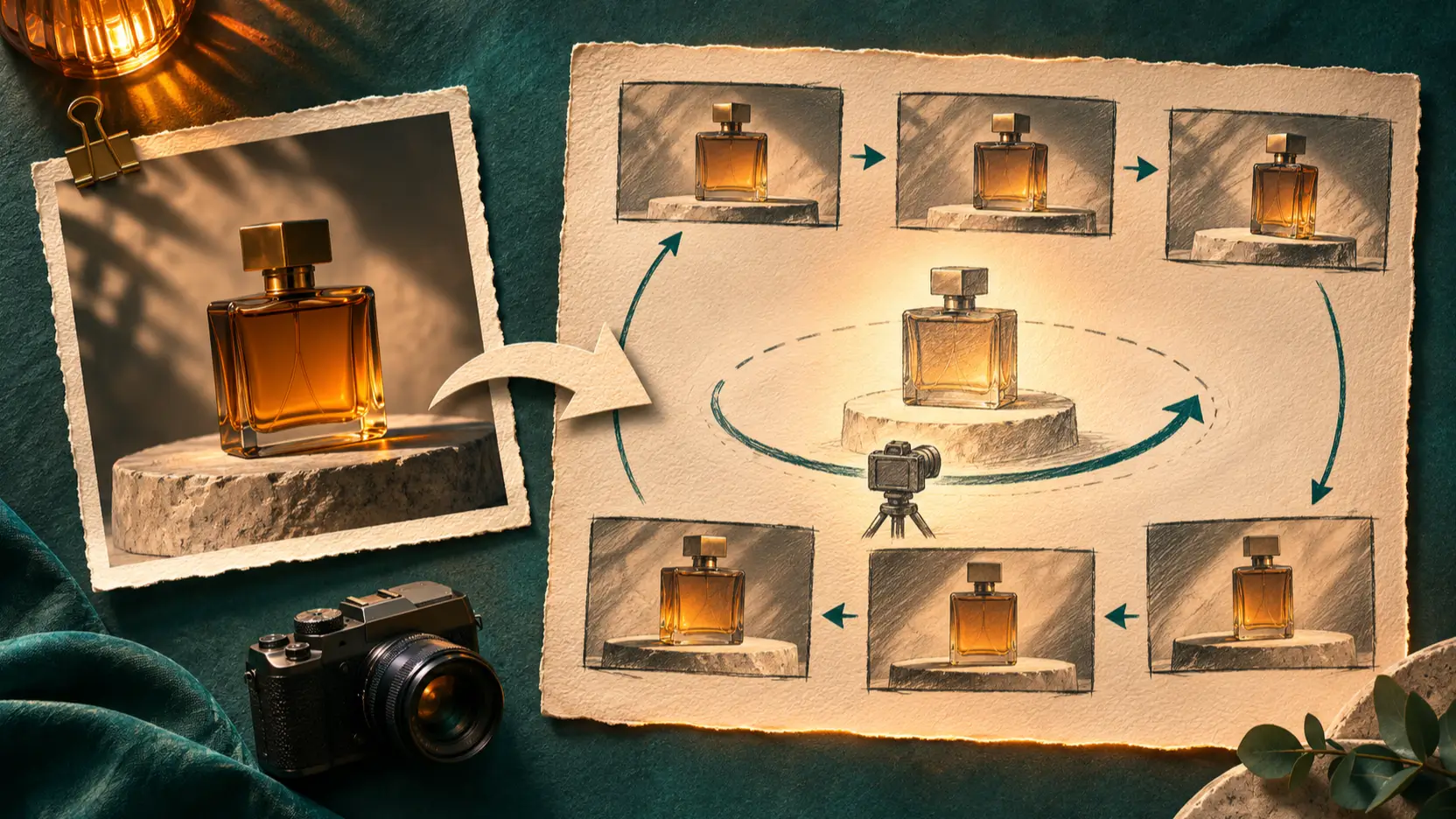
Editorial illustration of assigning a product reference and planning camera movement.
For a beginner, one still and one camera instruction make a manageable first attempt. Several references take more preparation because you must explain what each contributes. Add another control when it solves a specific problem in the shot.
For a perfume ad, identify the bottle photograph as the appearance reference and a separate clip as the camera reference. Avoid asking the model to borrow the second clip’s product or background. If the still needs work first, use Picir’s reference-image creation guide to prepare a consistent starting asset.
Compare Motion and Sound Before Declaring a Winner
A specification sheet cannot tell you which model will produce the more convincing version of your scene. This article does not establish a realism winner. Instead, judge the details that would cause your editor or client to reject a clip.
Use the same product image, duration, framing, and creative instructions wherever both services support them. Keep an initial matched-settings comparison separate from a second round where each model uses its distinctive controls. Otherwise, you may be comparing different briefs.
Here is an original test prompt, not a reported result:
Create one continuous eight-second shot of the amber perfume bottle in the reference image. The bottle stays on the stone pedestal. The camera moves slowly from left to right, keeping the entire bottle visible. Preserve its shape and glass color. Use soft window light. Sound: quiet room ambience, with no speech or music. Do not add text or cuts.

Editorial illustration of checking visual consistency, completion time, and sound.
Watch the full clip before inspecting individual frames. Check whether the bottle changes shape, reflections jump, the camera reverses direction, or an unwanted cut interrupts the shot. Listen separately for music, abrupt sound changes, and anything the prompt excluded.
Keep rejected attempts in your notes. Record completion time, the reason for rejection, and the edit needed to make an otherwise usable clip work. Review the whole batch, including failures, before estimating how many usable shots you can produce in an afternoon.
Pricing: Count the Cost of an Approved Clip
Compare the bill for your actual inputs. Kling’s published API table lists Flash at 0.6 units per second without an input video. A ten-second output therefore uses six units. With input video, the table lists 0.4 units per billed second and a different duration calculation. Kling API pricing.
For example, a five-second input video with a ten-second output uses twice the output duration for billing: 20 seconds multiplied by 0.4 equals eight units. This is arithmetic from the published schedule, not a price quote in dollars. Unit purchase costs and the selected access route matter.
This comparison does not include a verified, like-for-like Seedance 2.5 quote, so it cannot name a cheaper model. Obtain the current quote for the exact mode, resolution, reference inputs, and output length you intend to use.
Then divide total generation spend by the number of accepted clips. Track editing time alongside it. If a cheaper attempt repeatedly needs repairs, its apparent saving may disappear before delivery. Keep upscaling and other finishing charges separate so you can see where the budget went.
Which Model Should You Evaluate First?
For short social variations or a product concept that fits 720p delivery, Flash is a reasonable first candidate. Its documented duration and resolution fit that brief; whether it saves time depends on your actual completion times and rejection rate.
For a continuous 25-second scene, Seedance 2.5 is the more direct candidate because its published single-generation limit covers the brief. Flash’s 20-second limit would require changing the plan or assembling separate material. That duration advantage does not prove better motion or sound.
When reference-led revisions are central, evaluate both available workflows with one representative change. Ask for a camera adjustment while preserving the product, then inspect what else changed. Choose the workflow that reaches approval with fewer unwanted changes and manageable effort.
FAQ
Can Kling 4.0 Flash generate native 4K video?
The cited Flash API documentation specifies 720p. Treat any higher-resolution finishing option as a separate step to verify with your provider. Upscaling cannot repair an incorrect camera move or a changing product shape.
Is Kling 4.0 Flash the same as full Kling 4.0?
No. Kling lists them separately. Its release page gives Flash a 3–20-second, 720p specification, while full Kling 4.0 has a different capability set. Check the exact model name before borrowing specifications from another tier. Kling’s model release.
Can I try both models on Picir?
Picir has a Seedance 2.5 page. The site configuration checked for this article includes full Kling 4.0, but no dedicated Flash option. Check the live selector for changes; full Kling 4.0 should not be treated as a Flash test.
Conclusion
Kling 4.0 Flash vs Seedance 2.5 starts with the shot you need: its length, references, and delivery requirements. Shortlist by those constraints, then compare matched clips and the cost of getting one approved. Keep the prompt, failed attempts, and review notes so the next decision rests on your own production evidence.