
Seedance 2.5 AI Video Generator
Create coherent videos up to 30 seconds from text, images, video, and audio, with support for up to 50 multimodal references. Seedance 2.5 is now live on Picir AI.
Direct Longer, More Controlled Videos with Seedance 2.5
Tell a Complete Story in One Shot
Create a continuous 30-second sequence with enough room for an opening, action, and payoff while preserving visual continuity.
Guide Every Creative Detail
Combine up to 50 image, video, and audio references so characters, movement, setting, and tone follow one connected brief.
Fix Details Without Losing the Take
Upload the original video in Reference to Video and describe the subject, object, or region to change. Seedance 2.5 regenerates the shot while keeping the surrounding motion, composition, and lighting recognizable.
Key Features of Seedance 2.5
- •30-Second Native Generation: Build a complete continuous sequence in one generation instead of assembling several short clips.
- •50-Asset Reference System: Coordinate as many as 30 images, 10 videos, and 10 audio clips inside one creative brief.
- •Targeted Video Editing: Use the original video as a reference, then describe the selected subject or region to change in the prompt.
- •480p, 720p and 1080p Output: Choose 480p for drafts, 720p for everyday videos, or 1080p for sharper final results.
- •Stronger Prompt Following: Interpret layered scene directions, spatial relationships, actions, and camera moves with greater precision.
Coordinate Rich Multimodal References
Seedance 2.5 can combine several forms of direction in a single request. Images establish subjects and environments, a video can define camera language, and the prompt assigns a role to every reference. This makes complex scenes easier to plan without compressing the entire brief into text alone.
| Reference Images | Reference Video | Prompt | Generated Video |
|---|---|---|---|
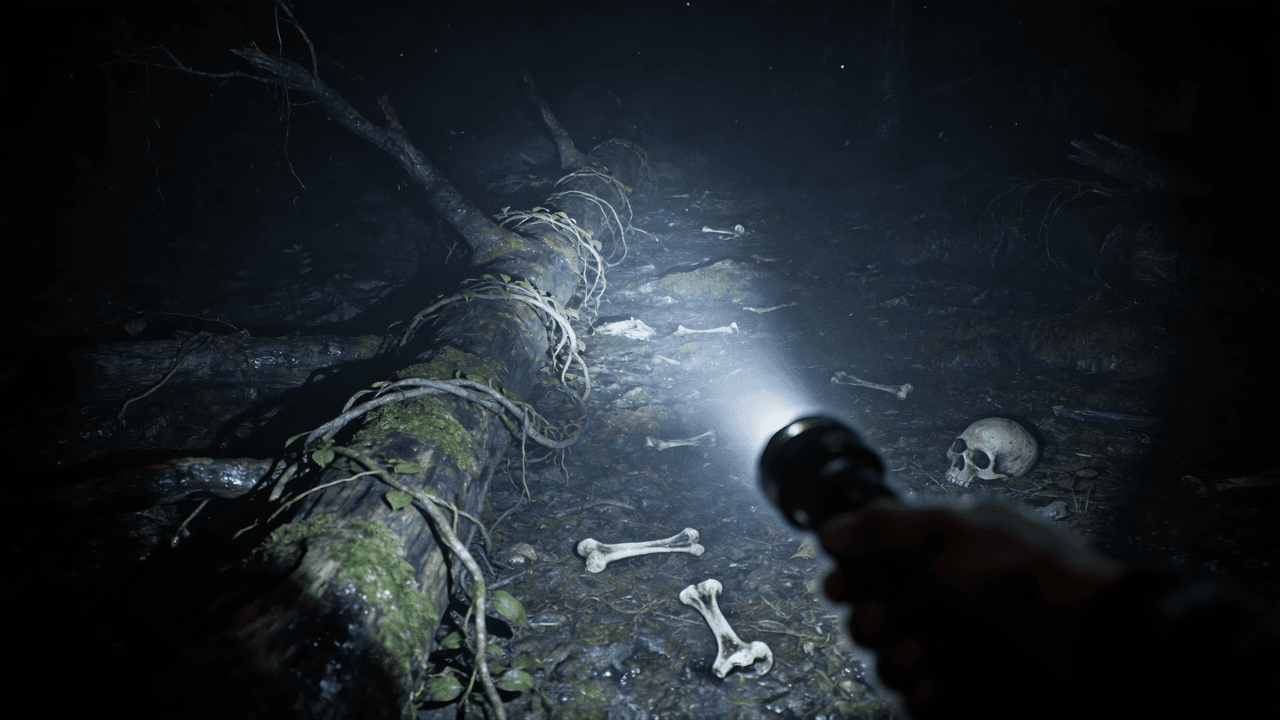 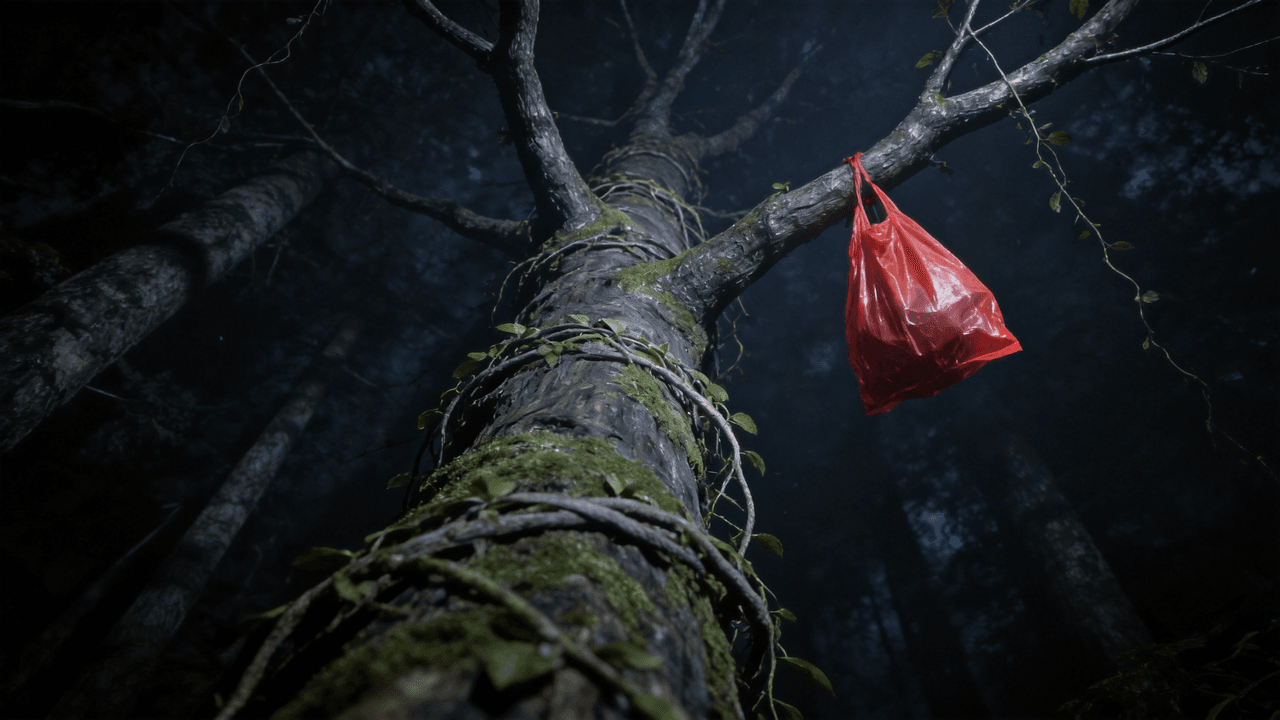 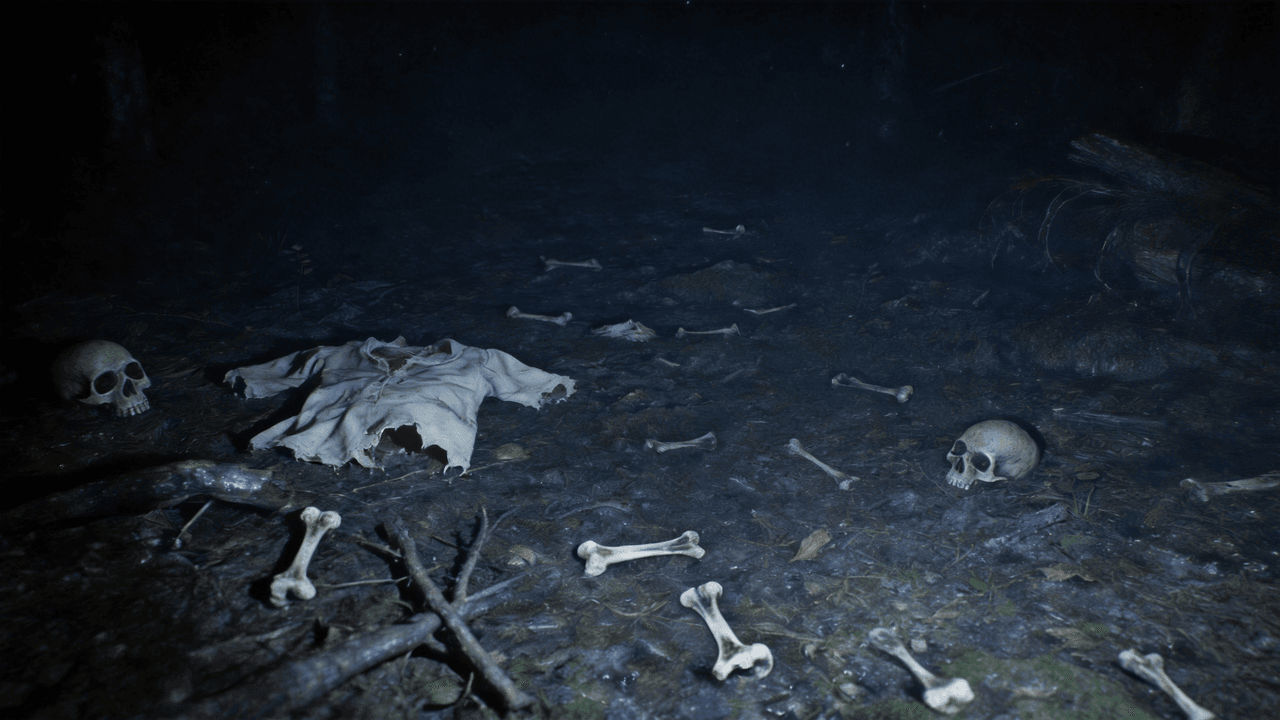 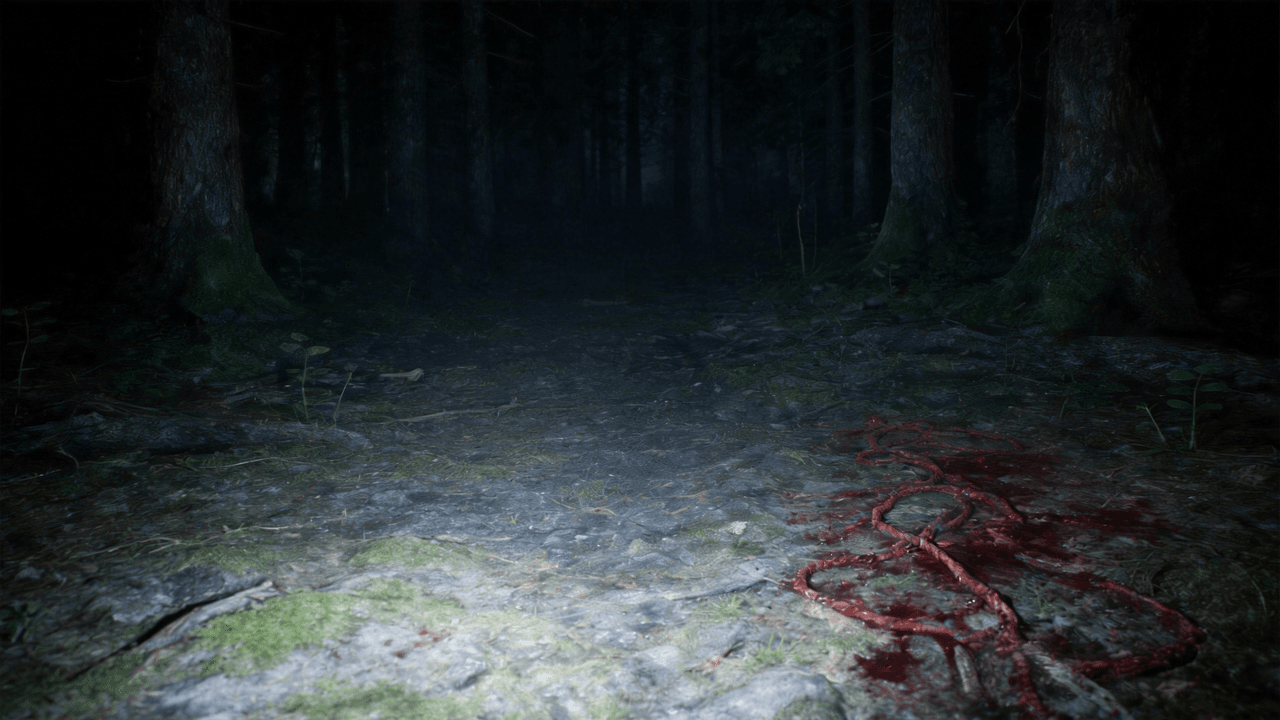 | Use @Image 1 as the first frame of the scene. Adopt a first-person perspective and refer to the camera movement effect in @Video 1. The upper scene should be based on @Image 2, the left scene on @Image 3, and the right scene on @Image 4. |
Revise Specific Parts of a Video
To revise a specific area, choose Reference to Video, upload the original clip as a reference, and describe what to add, remove, or replace. Seedance 2.5 generates a revised clip guided by the source, helping preserve the surrounding framing and movement while changing the requested detail.
| Input Video | Regenerated Video |
|---|---|
Follow Layered Prompts More Precisely
Detailed prompts can specify environment, subject motion, camera movement, and the order in which events unfold. Seedance 2.5 is designed to retain more of those instructions across a continuous scene. Compare each original prompt with its generated output to see how the model translates multiple directions into one coherent sequence.
| Prompt | Generated Video |
|---|---|
A fast-tracking shot through a futuristic city with buildings made from reflective organic chrome. It is daytime, rainbows fill the sky, and an alien planet looms above. The camera zooms in on a robotic bee working inside a reflective organic chrome structure. | |
A paper boat sets sail in a rain-filled gutter. It navigates the current with unexpected grace. It voyages into a storm drain, continuing its journey to unknown waters. |
How Seedance 2.5 Video Creation Works
Describe the Scene
Write the subject, action, camera direction, timing, and mood as a clear shot brief.
Add Multimodal References
Attach images, videos, and audio cues, then reference each asset in the prompt to guide identity, motion, composition, and sound.
Generate, Review, and Refine
Interpret layered scene directions, spatial relationships, actions, and camera moves with greater precision.
Choose the plan that's right for you
Get all features of Picir.ai, complete tasks quickly and achieve professional results with our advanced AI technology.
Basic
- 600 credits/month
- All features available
- Unlimited downloads per day
- Assets owned by customer
- Faster generation speed
- Priority support
Pro
- 1600 credits/month
- All features available
- Unlimited downloads per day
- Assets owned by customer
- Faster generation speed
- Priority support
Max
- 4000 credits/month
- All features available
- Unlimited downloads per day
- Assets owned by customer
- Faster generation speed
- Priority support
Prime
- 8000 credits/month
- Team management
- Up to 5 team members
- All features available
- Unlimited downloads per day
- Assets owned by customer
- Faster generation speed
- Priority support
Seedance 2.5 Specifications
Create videos up to 30 seconds with up to 50 image, video, and audio references using Seedance 2.5 on Picir AI.
| Developer | ByteDance Seed |
| Input modalities | Text, images, video clips, and audio |
| Max continuous duration | 30 seconds |
| Reference capacity | Up to 50 assets: 30 images, 10 videos, and 10 audio clips |
| Output resolution | Up to 1080p |
Last updated: July 28, 2026
FAQs About the Seedance 2.5 AI Video Model
Create videos up to 30 seconds with up to 50 image, video, and audio references using Seedance 2.5 on Picir AI.
Where can I use Seedance 2.5?
You can use Seedance 2.5 on Picir AI.
What is Seedance 2.5?
Create videos up to 30 seconds with up to 50 image, video, and audio references using Seedance 2.5 on Picir AI.
How long can a Seedance 2.5 video be?
The published maximum for a continuous native generation is 30 seconds. That gives a prompt enough time to establish a setting, develop an action, and complete a short narrative beat in one sequence.
What can I use as a Seedance 2.5 reference?
Seedance 2.5 can use text, images, video clips, and audio as creative guidance. References can define character identity, environment, movement, camera style, timing, and sound.
How many references does Seedance 2.5 support?
The published capacity is up to 50 assets in one request: as many as 30 images, 10 videos, and 10 audio clips. A structured prompt can assign different roles to those references.
How can I change a specific part of a video?
Choose Reference to Video, upload the original clip as a reference, and describe the subject, object, or region to change. Seedance 2.5 then generates a revised video guided by the source clip.
What resolutions does Seedance 2.5 support?
On Picir AI, Seedance 2.5 supports 480p, 720p and 1080p output. Use 480p for drafts, 720p for everyday videos, or 1080p when you need a sharper final video.
How should I write a Seedance 2.5 prompt?
Write the prompt like a compact shot brief. Define the subject, location, action, camera movement, lighting, timing, and desired ending, then call out uploaded references with clear labels.