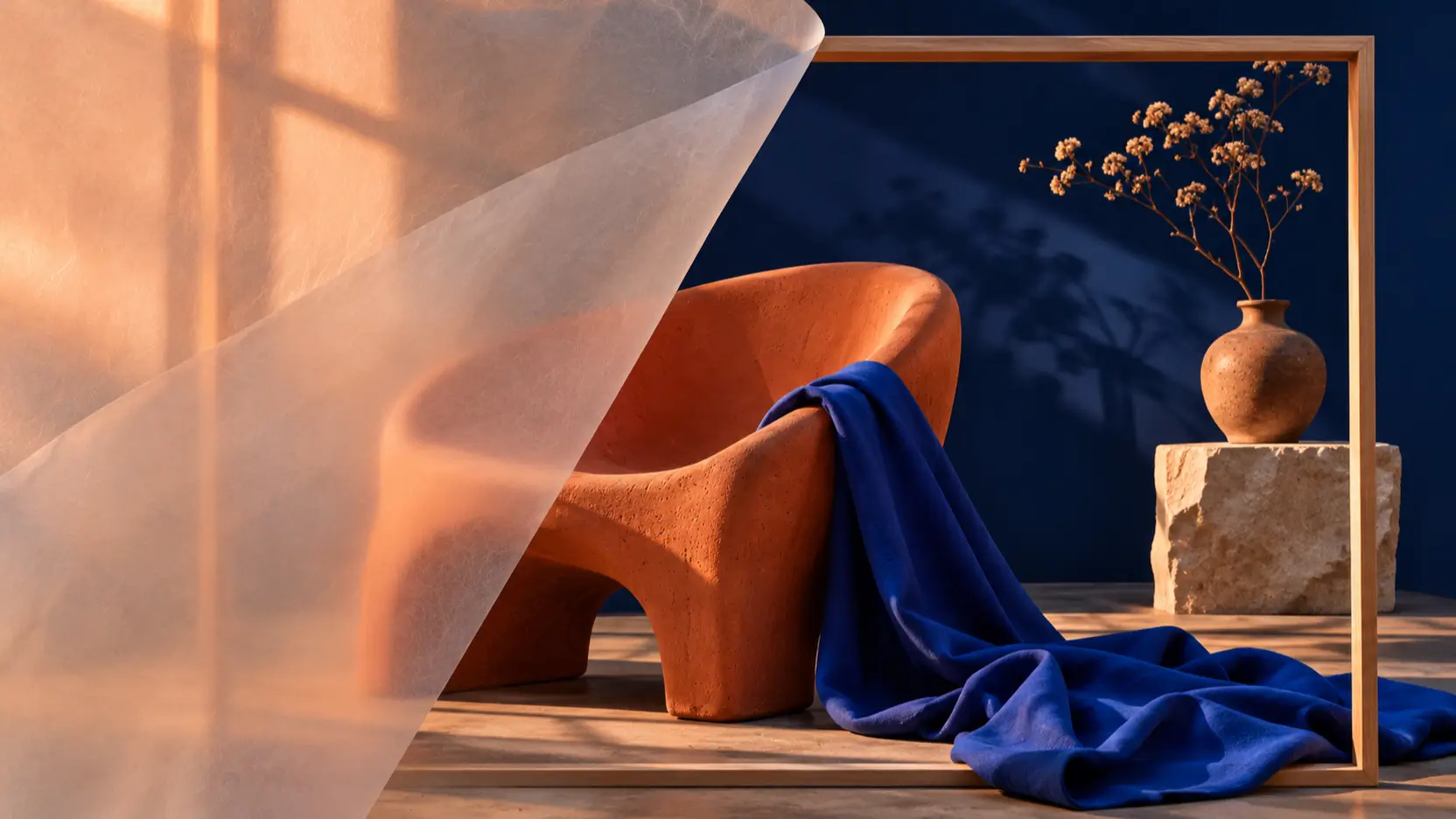
Visual Creators
Develop portraits, everyday scenes, and expressive illustrations with deliberate lighting and composition.

Kling Image 4.0 generates realistic images, text-rich designs, and coordinated image sets from detailed prompts and visual references. Explore native 8K detail, multilingual typography, and complete page visuals.
Explore official examples, then use an editable starting prompt to create your own interpretation.
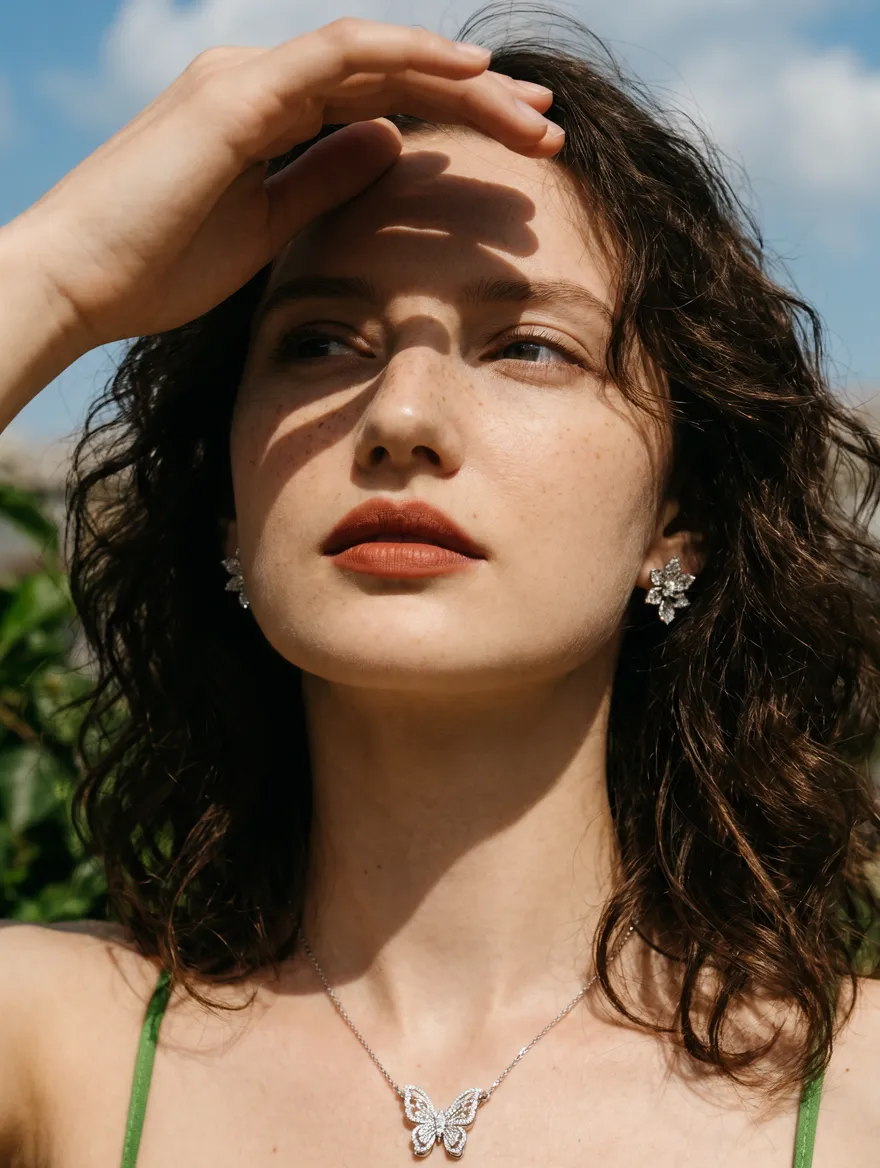
Kling Image 4.0
Sunlit Portrait
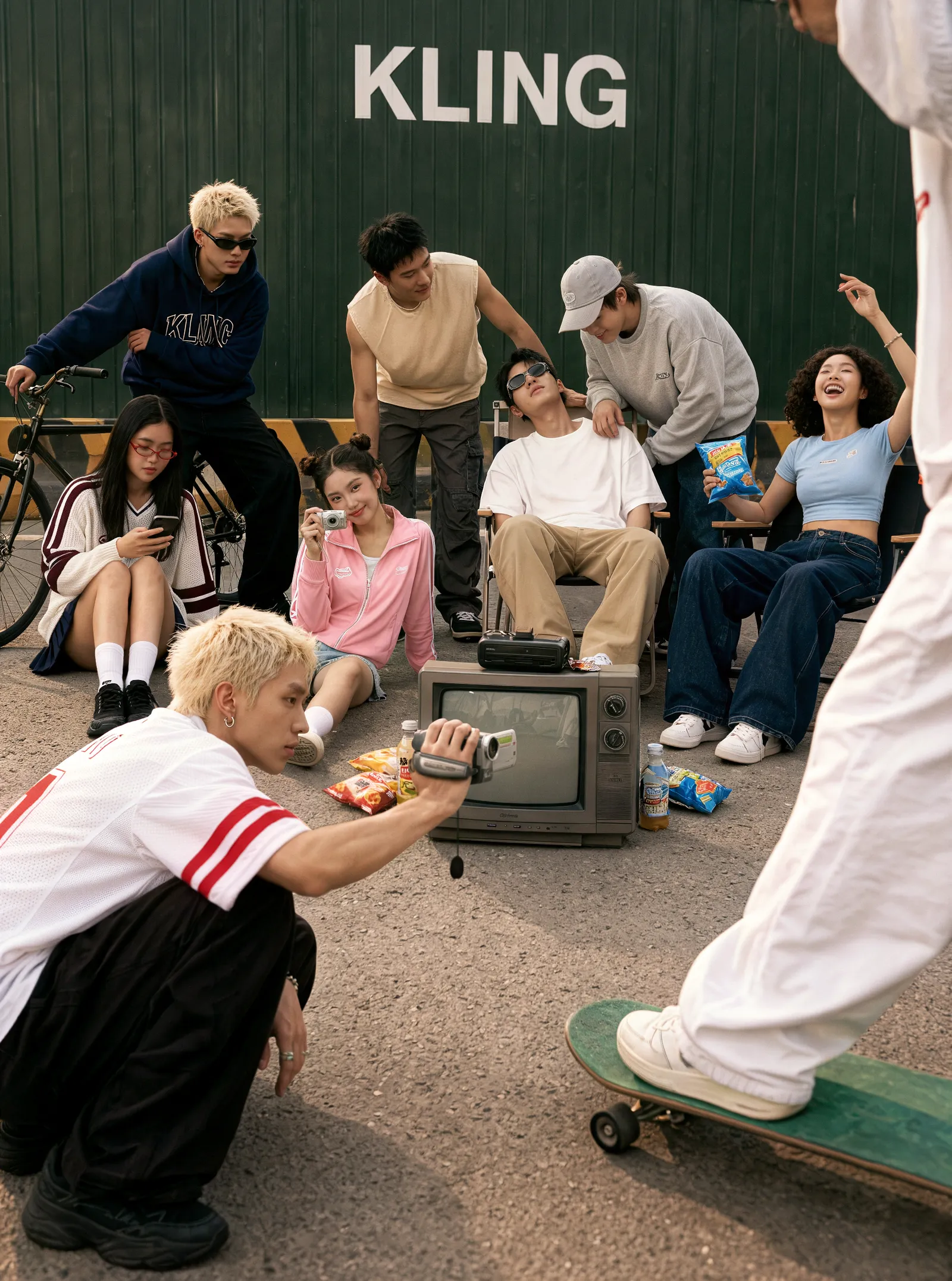
Kling Image 4.0
Friends at a Skate Spot
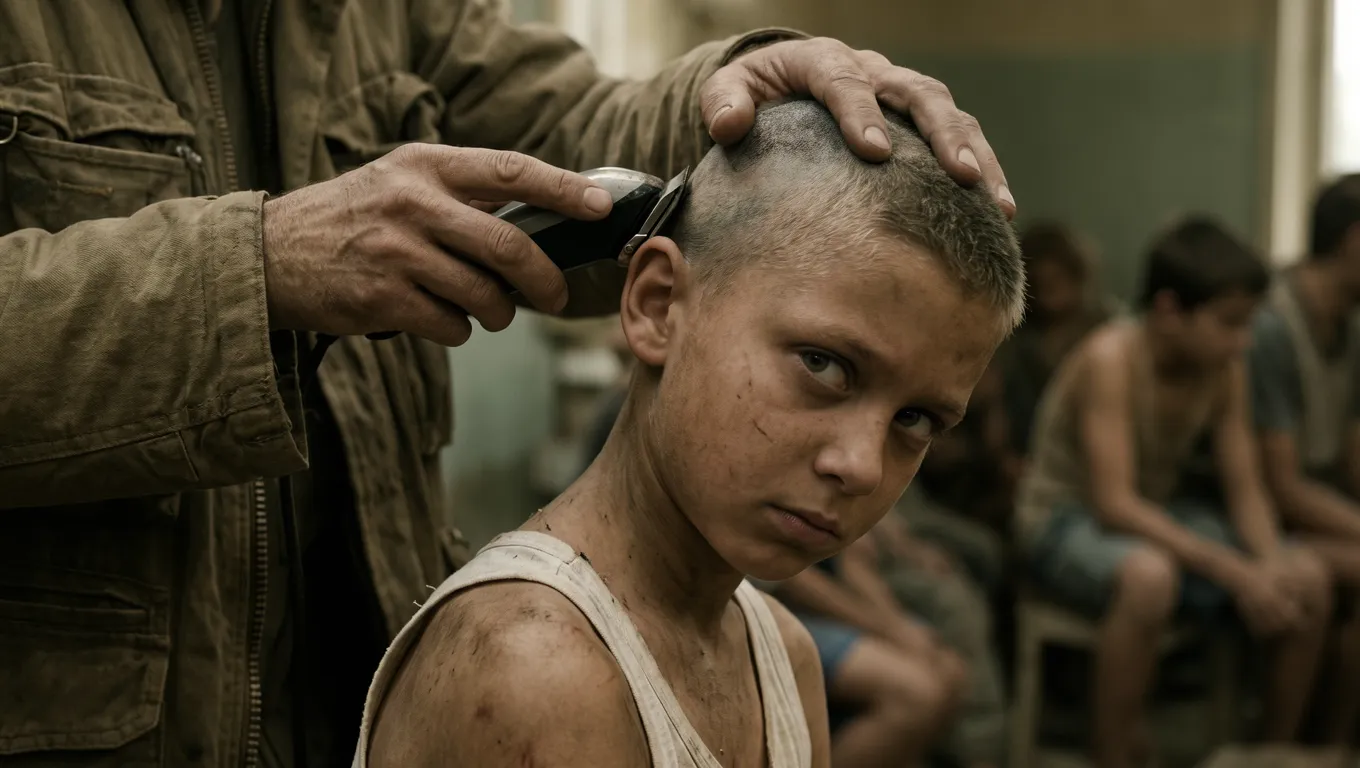
Kling Image 4.0
Cinematic Character Study
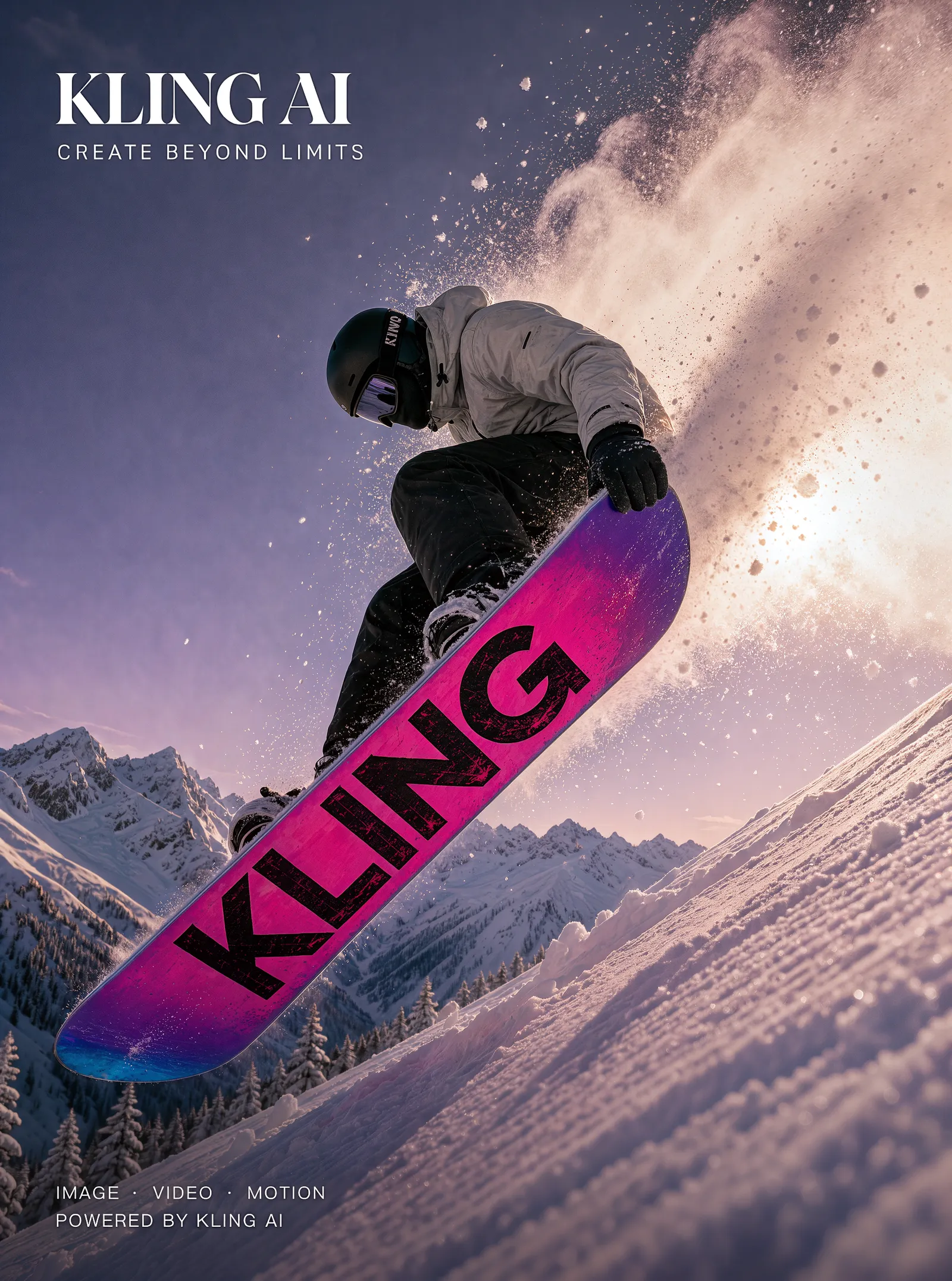
Kling Image 4.0
Snowboarding Poster
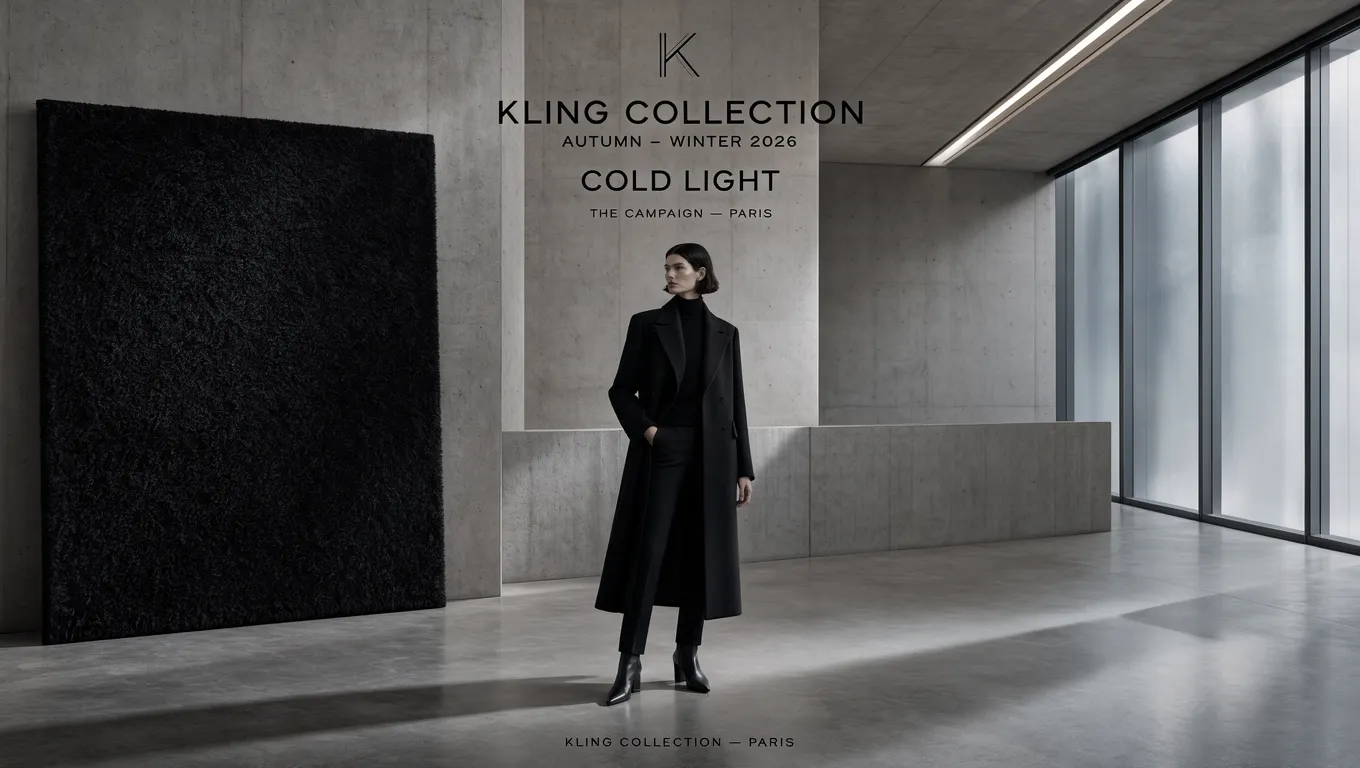
Kling Image 4.0
Fashion Campaign Direction
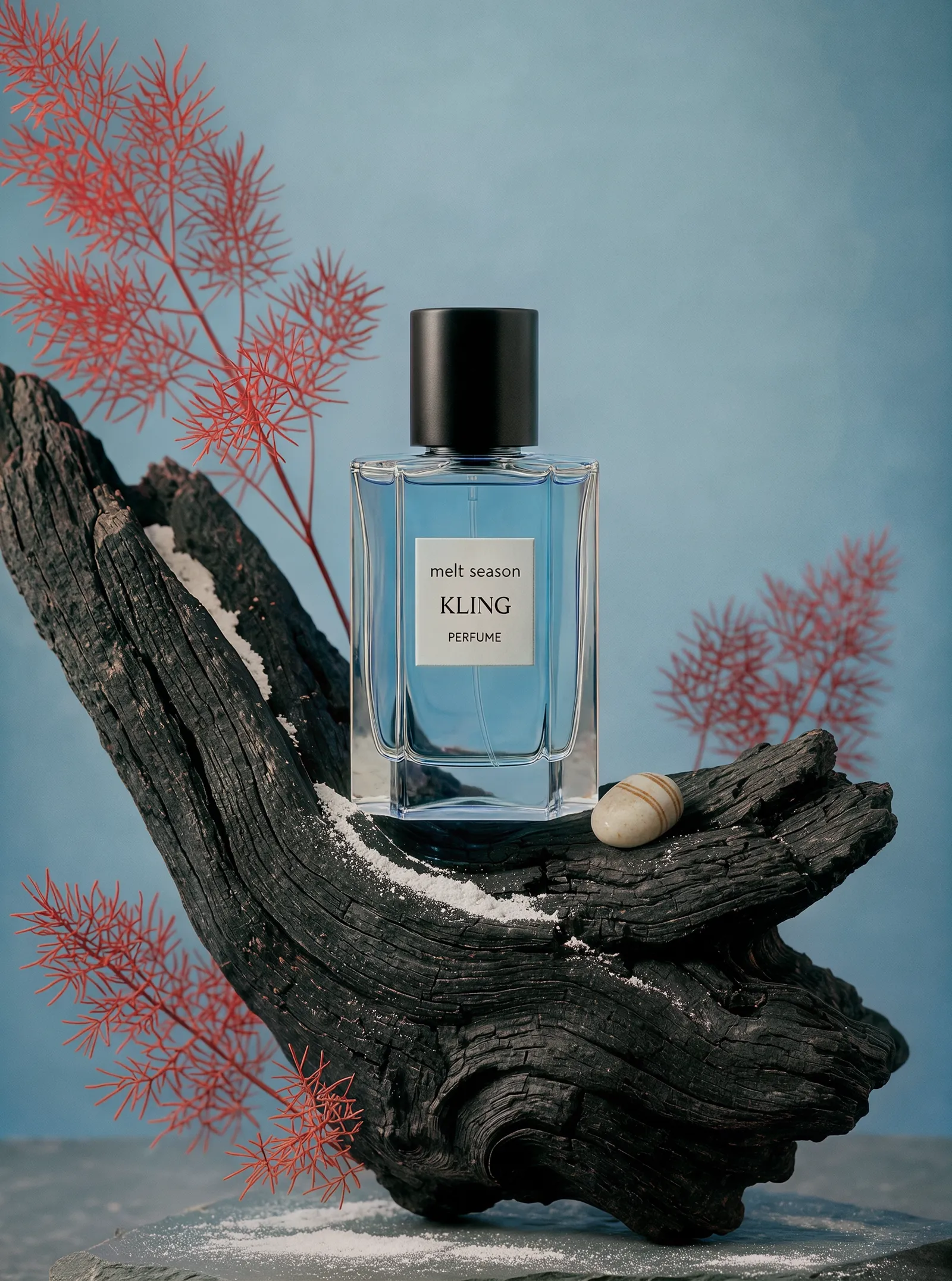
Kling Image 4.0
Perfume Product Scene
An image creation model that brings visual understanding and generation into one architecture.
Kling AI released Kling Image 4.0 on November 17, 2026. It uses a unified autoregressive architecture to interpret creative briefs and generate still images, with improvements in realism, instruction following, and reference consistency.
Its workflows include individual images, coordinated collections, and long-form page designs. Kling Image 4.0 is a still-image product, distinct from the Kling 4.0 and Kling 4.0 Flash video models.
Kling Image 4.0 supports three main ways to develop a visual idea:
Six ways to shape the detail, typography, and consistency of your images.
Standard images and image sets support native 2K, 4K, and 8K output. Detailed textures and lighting provide room for close inspection and cropping.
Generate up to 2,000 characters in one image, from headlines to small print. Proofread names, numbers, and dense text before publishing.
Create up to 10 related images from one prompt. Describe each scene and the details that should remain consistent across the collection.
Use up to 10 combined image and subject references to guide appearance and composition. Assign each reference a clear role in the brief.
The official creative tools offer over 70 font presets and over 110 color-grading styles, with visual references for typography and palette guidance.
Generate a complete e-commerce detail page or website visual at 1K or 2K. These are image layouts; a website mockup is not a working website.
Explore image workflows for personal projects, storytelling, communication, and design.
Develop portraits, everyday scenes, and expressive illustrations with deliberate lighting and composition.
Explore posters, readable headlines, campaign visuals, and coordinated design directions.
Plan cast appearances and storyboard scenes before moving into animation or filming.
Create product presentations and page mockups, then use them to guide a finished design.
Build an image from a clear brief, review the settings, and refine the result.
Write the subject, setting, lighting, composition, and exact text you want. Start from an example to explore a similar scene.
Select your model and use the options shown in the generator. Review the displayed credit total before starting.
Inspect the result for visual details and spelling, download it, and refine your prompt for the next version.
Published model capabilities; standard image output and long-image output have different limits.
| Developer | Kling AI |
| Release date | November 17, 2026 |
| Inputs | Text; up to 10 combined image and subject references |
| Standard images and image sets | Native 2K, 4K, or 8K |
| Long images | 1K or 2K; one complete page visual |
| Series generation | Up to 10 related images from one prompt |
| Text inside an image | Up to 2,000 characters |
| Text languages | Simplified Chinese, Traditional Chinese, English, Japanese, Korean, Spanish, Portuguese |
| Aspect ratios | Auto, 1:1, 3:4, 4:3, 9:16, 16:9, 2:3, 3:2, 21:9 |
| Creative tools | 70+ font presets; 110+ color-grading styles in the official creative tools |
Last updated: November 19, 2026
Compare image creation capabilities with the previous image model generation.
| Spec | Kling Image 4.0 | Kling Image 3.0 |
|---|---|---|
| Image inputs | Text and multiple visual references | Text and multiple visual references |
| Published output resolution | 2K, 4K, and native 8K | Direct 2K and 4K |
| Reference capacity | Up to 10 combined image and subject references | Up to 10 reference images |
| Text rendering limit | Up to 2,000 characters per image | Not listed in the reviewed release |
| Image sets | Up to 10 coordinated images | Image Series Mode introduced in the 3.0 lineup |
| Long-form page visuals | E-commerce detail pages and web designs | Not listed in the reviewed release |
Kling Image 4.0 Advantages: Adds native 8K detail, expanded text rendering, and complete page visuals.
Kling Image 3.0 Advantages: Provides 2K/4K image creation, multi-reference guidance, and cinematic visual workflows.
Explore Kling Image 4.0 for detailed output, text-heavy designs, or complete page visuals. Kling Image 3.0 offers a familiar option for established reference-guided image workflows.
Compare Picir AI plans and included credits. The generator shows the cost for your selected model and settings before you create.
Find more ways to create and refine images on Picir AI.
Read more about image creation and planning a practical visual workflow.
Learn about resolutions, typography, references, image sets, and creative workflows.
Explore the Kling Image 4.0 AI Image Generator page on Picir AI. Browse examples, use a starting prompt, and choose your model and settings in the generator.
Kling Image 4.0 is a still-image creation model from Kling AI, released on November 17, 2026. It combines visual understanding and generation in a unified architecture.
Kling Image 4.0 produces still images and image sets. Kling 4.0 and Kling 4.0 Flash are separate video products; their durations and motion controls do not describe this image model.
Standard images and coordinated image sets support 2K, 4K, and native 8K. Long-form product and web page visuals use 1K or 2K instead. Available controls depend on the selected workflow.
Published text support covers Simplified Chinese, Traditional Chinese, English, Japanese, Korean, Spanish, and Portuguese. Up to 2,000 characters can be generated in one image; spelling and legibility still need review.
Describe each image and identify the subject, clothing, product details, or visual style that should recur. Kling Image 4.0 can coordinate up to 10 related images from one prompt.
Use clear images you have permission to use, and explain the role of each reference. Separate subject identity, composition, materials, and style instructions rather than asking the model to copy everything at once.
A generated webpage visual is an image mockup. It does not by itself provide working links, responsive components, or a deployed website.
Plans include credits for image and video creation. Check the selected model, settings, and displayed credit total in the generator before submitting a request.
Specify the subject, camera angle, lighting, composition, and intended use. Write the exact text you want and its position. For revisions, make a focused change and review the result before publishing.