
What Is Midjourney V9? Verified Status and a Practical Creator Guide
on 10 days ago

Midjourney V9 is a name appearing in third-party coverage of a possible next major Midjourney image model. As of November 10, 2026, the official version documentation checked for this article still identifies V8.2 as the default and does not list a V9 release. For now, plan deadlines around models with documented access. Midjourney version documentation.
If you have an image project due, you need to know whether you can use the model and what it would change. This guide separates documented information from unverified claims and explains how to evaluate a new image model when it becomes available.
Checked November 10, 2026. The three images are AI-generated editorial illustrations, not Midjourney V9 outputs or product screenshots.
What Is Midjourney V9, and What Is Confirmed?
A Midjourney version is a particular image-generation model. Versions can interpret the same prompt differently, produce different aesthetics, and support different features. A new number alone tells you little about whether an image will meet your brief.
The official version guide documents V8.2 and earlier models, with a compatibility table for features such as image references and editing. It does not provide a V9 specification. Its documented version-selection syntax is not evidence that an unpublished version number will work.
A third-party V9 explainer discusses an upcoming model, but we could not corroborate its detailed specifications in the official pages reviewed. The evidence supports this narrower picture:
| Question | What the checked sources establish |
|---|---|
| What is the documented default? | V8.2, according to the version guide. |
| Is there a V9 model entry? | None in the version guide checked for this article. |
| Are V9 specifications and access instructions confirmed here? | No; the checked sources do not establish them. |
| Can a current feature be mistaken for a new model? | Yes. Official updates describe Thinking Mode testing on V8.2 jobs. |
Midjourney's official updates describe an experimental Thinking Mode that reruns images to address missed prompt requirements. That announcement concerns an existing model workflow; it should not be presented as a V9 launch.
How to Read Release Dates and Feature Claims
Treat a development target as a planning estimate until a release announcement supplies usable access details. A recap of a discussion can tell you what people are watching, but it cannot guarantee that a model will arrive on a particular day or include every feature mentioned nearby.
For this article, no V9 release date, price, or working access method was established from the official pages checked. We also could not verify a final V9 architecture or performance comparison. A detailed headline does not fill those gaps.
When you encounter a V9 claim, check three things:
- Source: does it link to Midjourney's own announcement, documentation, or an original statement you can inspect?
- Status: is the statement about an experiment, an intended feature, a limited preview, or a released product?
- Scope: does it concern V9 specifically, or another image, editing, video, or interface project?
Keep those distinctions when sharing information with a client. “We will assess the model once access and specifications are published” is a reasonable plan. Promising a delivery date based on an unverified launch window creates a dependency you cannot control.
Native Resolution and Upscaling Are Different Questions
“Full resolution” is not a complete image specification. To judge a claim, you need the actual output dimensions, supported aspect ratios, and the workflow that produced the file. Without those details, you cannot tell whether two examples are comparable.
Native generation refers to the initial image produced by a model. Upscaling is a subsequent operation that increases image size and may also change detail. Midjourney's upscaler documentation distinguishes subtle enlargement from more creative changes for supported versions. Those existing options do not establish how a future V9 upscaler will behave.
For a product photograph, inspect the handle, label, surface texture, and shadow after enlargement. Extra detail is not automatically faithful detail: an attractive result can still change the product. For a landscape, you might accept invented texture that would be unacceptable in a catalog image.
Check resolution, visual appeal, and accuracy separately. A larger file can be easier to crop, while still failing the original composition or product requirements. Until V9 has published specifications and attributable examples, treat claimed improvements as questions for evaluation.
Build a Small Evaluation Brief Before Switching Models
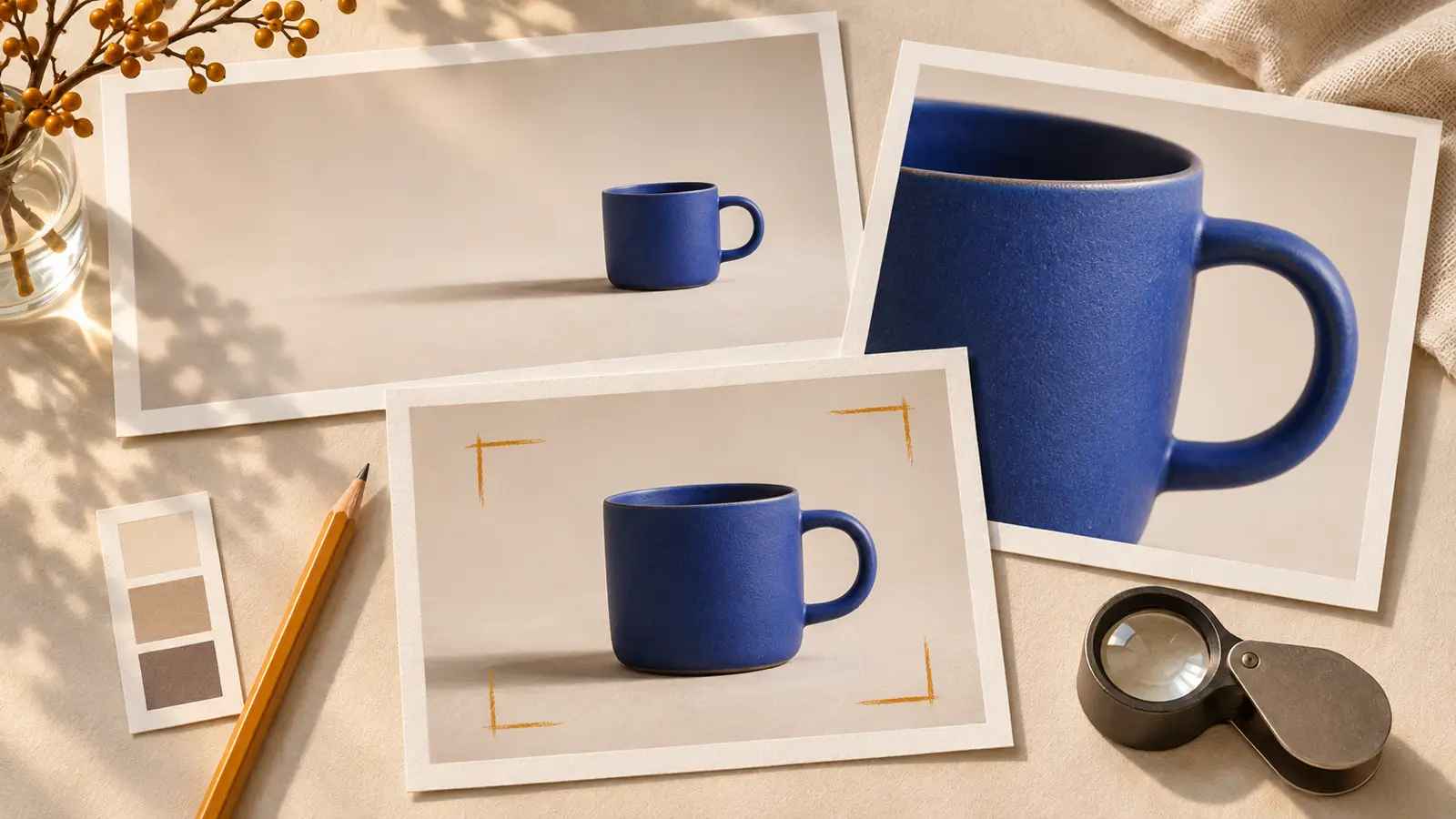
Use a real assignment to evaluate any new model. A visually impressive sample from someone else's prompt may have little in common with the work you need to deliver.
Suppose you are making a wide banner for a ceramic cup. Define the requirements before generating: one blue cup, an intact handle, a pale tabletop, soft daylight, and empty space for copy. A starting prompt could be:
A studio product photograph of one matte blue ceramic cup on a pale tabletop. The complete handle is visible on the right. Soft daylight from the left, restrained shadows, plain warm background. Place the cup in the left third and leave the right half empty for a headline. No text or extra objects.
This is an illustrative brief, not a tested V9 prompt. Choose the aspect ratio in the tool's supported settings, then check the result against the brief:
- Instruction accuracy: one cup, the requested color, and no extra props.
- Composition: enough clear space for the headline at the intended crop.
- Detail: a plausible handle, rim, base, and shadow when enlarged.
- Revision effort: how much work remains before the image is usable.
Keep the prompt, model name, settings, and original output together. If you compare several models, use the same brief and a similar number of attempts. Save the misses too. They reveal recurring problems that a folder of favorite images can hide.
Use Available Models in a Picir Workflow
You can prepare that evaluation brief with a currently listed model in Picir's AI image workspace. Check the live model selector and supported inputs before starting. This workflow does not imply that Picir offers Midjourney V9.
Generate a first image, compare it with the brief, and save a promising version before requesting changes. If the cup looks right but the headline area is crowded, focus the next instruction on composition. Changing the subject, lighting, background, and framing together makes it harder to identify which revision helped.
If your assignment includes motion, take an approved still into Picir's image-to-video workspace. Choose an available model that accepts the image and describe a simple camera move. Review product shape and frame-to-frame consistency separately from the still image's quality. A good source image is a starting asset, not a guarantee of a good clip.
FAQ
Can I use Midjourney V9 now?
This check did not establish public V9 access from Midjourney's official version guide or updates. Consult those sources and your account's available model options before relying on an access claim. A third-party page title is insufficient evidence.
How much does Midjourney V9 cost?
No V9-specific price was verified in the sources reviewed here. Do not infer a new model's cost from a current subscription or an estimate about computing requirements. Wait for published access and billing details before budgeting around it.
Is V9 better than V8.2?
There is no verified comparison in this article. “Better” needs a task: accurate product details, usable typography, a particular aesthetic, or fewer revisions. Evaluate attributable outputs against your own brief when the model and relevant settings are available.
Should I wait for V9 to finish a project?
For a current deadline, start with an accessible model and check whether its results meet your requirements. Keep the brief and approved assets so you can evaluate a later release without restarting the project.
Conclusion
The official sources reviewed here do not establish a public Midjourney V9 launch or final specifications. Use available tools for current work, save a repeatable brief, and judge any future release by the images and revisions your project actually requires.