
GPT Image 2.6 Pricing: Official API Rates and Real-World Cost Planning
on 10 days ago
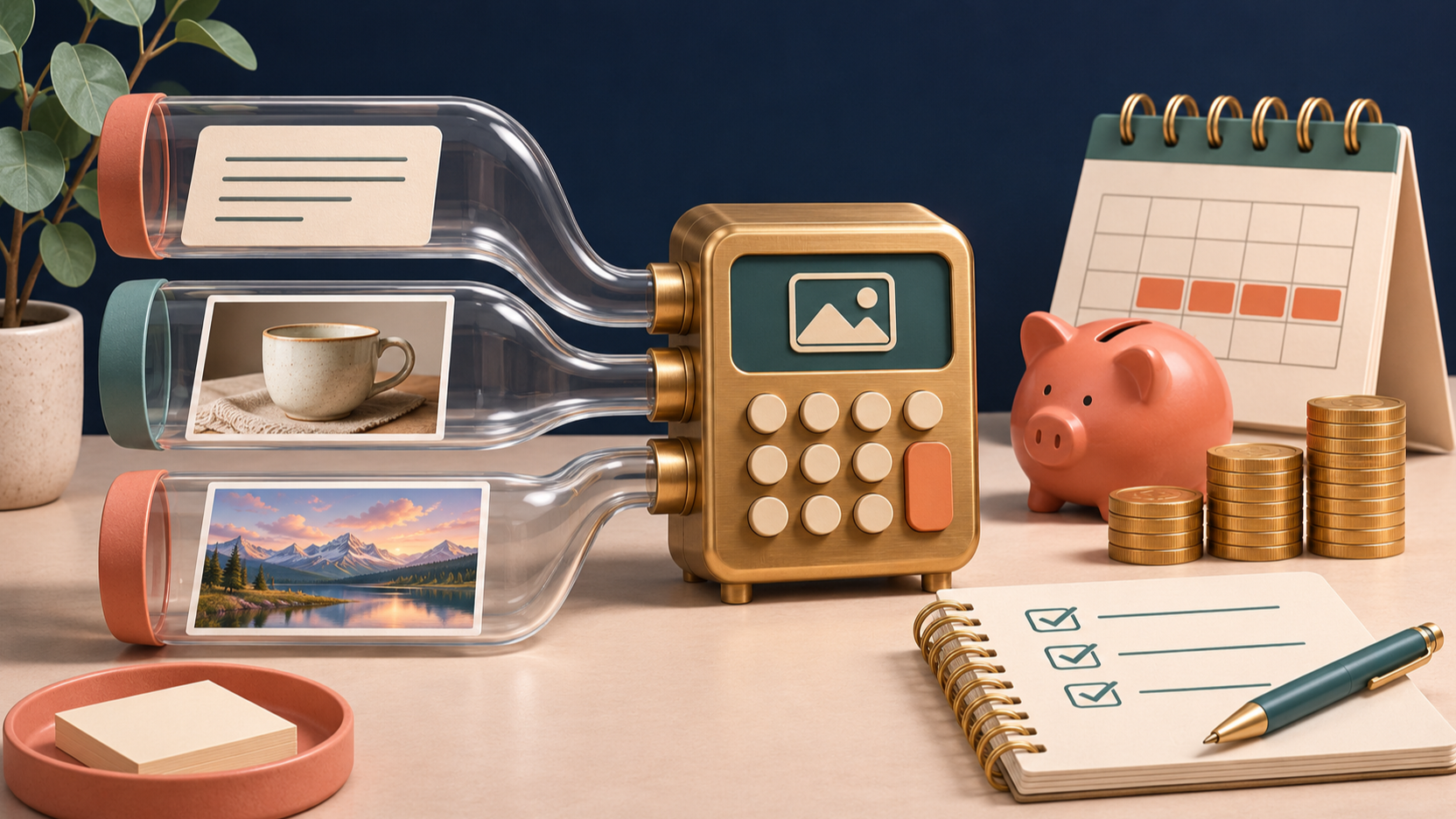
GPT Image 2.6 pricing starts with three standard API rates: $5 per million text input tokens, $8 per million image input tokens, and $30 per million image output tokens. Both Sunburst and Flare use these rates. Your cost per finished image depends on token usage and how many attempts you need, so a single advertised price per picture can hide much of the budget. OpenAI API pricing.
Rates checked November 10, 2026. Dollar amounts are USD. Illustrations are conceptual, not product screenshots or model benchmarks.
This guide separates published rates from hypothetical calculations. It also explains what to check when comparing direct API billing with a creative app such as Picir.
GPT Image 2.6 pricing: the official rate table
The following standard rates apply to both gpt-image-2.6-sunburst and gpt-image-2.6-flare. A million tokens is a billing unit, not a million images.
| Billing component | Standard rate per million tokens | Published cached input rate |
|---|---|---|
| Text input | $5.00 | $1.25 |
| Image input | $8.00 | $2.00 |
| Image output | $30.00 | Not applicable |
These figures appear on the official Sunburst model page and Flare model page. OpenAI positions Sunburst for detailed visual work and Flare for fast iteration. That distinction does not give Flare a lower published token price.
For budgeting, separate the unit price from consumption. Two requests can use the same rate and produce different bills. A lower latency also does not tell you how many tokens a request used or whether its output will satisfy your brief.
Calculate a request before estimating a campaign
For a standard, uncached raster image request, multiply each token category by its rate and add the results:
Request cost = text input tokens × $0.000005 + image input tokens × $0.000008 + image output tokens × $0.000030.
Use token counts from the relevant request or billing records. Do not substitute the number of words in your prompt or the file size of a reference photograph. The examples below use invented token counts solely to demonstrate the arithmetic; they are not measurements of a particular resolution or quality setting.

| Hypothetical request | Text input tokens | Image input tokens | Image output tokens | Calculated cost |
|---|---|---|---|---|
| Initial concept | 400 | 0 | 1,200 | $0.038 |
| Reference image edit | 600 | 2,000 | 1,800 | $0.073 |
| More output tokens | 400 | 0 | 3,600 | $0.110 |
The first row costs $0.002 for text plus $0.036 for output. The edit adds $0.003 for text, $0.016 for image input, and $0.054 for output. Keeping those parts visible makes a spreadsheet easier to audit than one rounded “cost per image” cell.
At the first example's assumed usage, 100 requests cost $3.80. That estimate covers those requests only. It excludes additional edits, other services, and any account-specific charges. Replace the assumptions with your own usage before treating the number as a production budget.
Why quality, format, and editing change the estimate
Choose explicit size and quality settings when estimating costs. OpenAI's image generation cost guide says its calculator estimates image output cost, and that auto depends on the generated image. An output estimate therefore needs the input portion added before it becomes a request estimate.
The guide also distinguishes rendering quality from complexity, which controls how much the model plans before rendering. Complexity has no separate fee, but that does not make every request with different settings identical in total cost. Measure the workflow you intend to repeat.
Output format deserves its own check. OpenAI documents SVG billing as the image model's reference-image cost plus the authoring model's token cost. A raster-only calculation should not be presented as the complete SVG bill. Markup-guided edits use the same token rates as other edits, without an extra markup fee. Reference inputs still belong in your estimate. OpenAI's GPT Image 2.6 cost notes.
If your project needs stills, SVGs, and animated assets, keep separate budget rows. That makes it easier to spot which output type is consuming the allowance.
Treat caching as conditional savings
The published cached rates are 75% below the corresponding standard input rates. That percentage applies to eligible input tokens, not to the whole request. Output costs remain a separate component.
For example, if all 400 text input tokens in the first hypothetical request qualified for the listed cached rate, the text portion would fall from $0.002 to $0.0005. With the same output usage, the total would be $0.0365 instead of $0.038. That is roughly a 3.9% reduction overall, not 75%.
This is conditional arithmetic, not a claim that your chosen GPT Image 2.6 endpoint receives that discount. Confirm caching eligibility and billing behavior for the actual route you use. Reusing a prompt or reference file is not sufficient evidence that the discounted rate was applied. Build the initial budget at standard rates, then adjust it when billing evidence supports the saving.
Budget for approved assets and revision rounds
The number that matters to a campaign is often cost per approved asset. Divide total generation and editing spend by the number of usable results. Keep the cost of discarded candidates in the numerator; those attempts were part of producing the final work.

Suppose a project needs 20 final product images. Using the hypothetical rates above, four initial candidates and one reference edit per final image would cost $4.50: 80 requests at $0.038 plus 20 edits at $0.073. That works out to $0.225 per approved asset. This is a planning scenario, not a measured acceptance rate.
Start with a small representative set: an easy product shot, a difficult composition, and an image requiring precise text. Record settings, spend, and whether each result passes your brief. Use the observed revision count to build the larger estimate. A prompt that is cheap once can become expensive when it takes repeated attempts to preserve the product shape.
Compare API costs with Picir's displayed credits
Direct OpenAI rates and Picir's credit charges describe different purchasing arrangements. Open Picir's GPT Image 2.6 generator and check the selected model, output settings, and displayed credit requirement before generating. Compare those requirements with the allowance on Picir's pricing page.
Do not convert OpenAI token prices into an assumed Picir credit price. For an app-based project, budget using the credits actually required by that app. For an API project, budget using request usage and your provider's bill. Keep any video generation step separate from the still-image estimate.
FAQ
How much does GPT Image 2.6 cost per image?
There is no single cost established by the token rate alone. Add text input, image input, and output costs for the request. The $0.038 example above is illustrative and is not a guaranteed price for a specific image size.
Is Flare cheaper than Sunburst?
Their published standard token rates match. Compare total spend for usable outputs on your own tasks, including revisions. A faster response is useful, but it does not establish a lower bill.
Does caching reduce the whole bill by 75%?
No. That reduction describes the listed input rates when the discount applies. Image output is billed separately, so the total saving depends on the share of eligible input costs.
Does the same estimate cover SVG output?
No. OpenAI documents an additional authoring-model component for SVG generation. Include both that token cost and the reference-image cost when planning an SVG workflow.
Conclusion
GPT Image 2.6 pricing is straightforward at the token level; a useful project estimate also needs input usage, output settings, and revision counts. Start with standard rates, measure a small real workload, and budget per approved asset. In Picir, check the displayed credit requirement before committing to a batch of creative work.