
ChatGPT Images 2.6 vs GPT Image 2.5: A Practical Upgrade Comparison
on 10 days ago
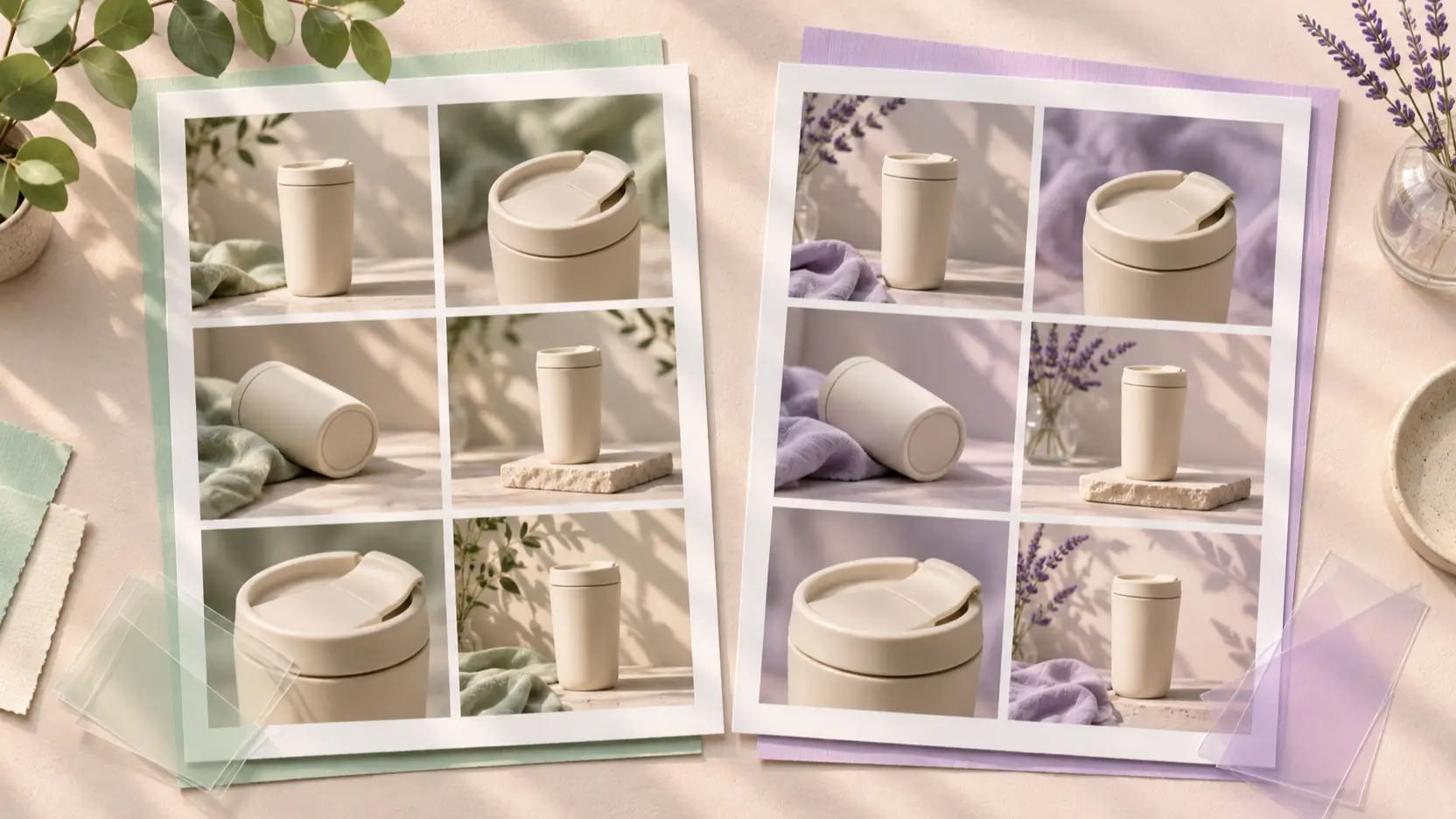
ChatGPT Images 2.6 vs GPT Image 2.5 is a choice about the work you need to finish. Evaluate 2.6 if faster iteration, animated GIFs, or SVG deliverables solve a real problem. Keep a working 2.5 process as your baseline until the newer model earns the switch on your own brief.
OpenAI launched Images 2.6 on November 4, 2026. This comparison checks official documentation as of November 10; it is not a hands-on benchmark. The illustrations are conceptual artwork, not comparative model outputs. OpenAI's release announcement.
ChatGPT Images 2.6 vs GPT Image 2.5 at a glance
Compare the generation and the variant separately. Each family has a Flare and a Sunburst variant. Match those variants before comparing versions. OpenAI lists all four in its model catalog.
| Decision | GPT Image 2.5 | GPT Image 2.6 |
|---|---|---|
| Who should evaluate it? | Teams with an established still-image process | Teams exploring faster iteration or additional deliverables |
| Ease of adoption | Keep existing prompts and review standards | Check the host app's controls before switching |
| Variant choice | Flare for everyday work; Sunburst for editing precision | Flare for iteration; Sunburst for detailed work |
| Output options | Established raster-image workflow | Adds documented GIF and SVG workflows |
| Editing comparison | Use as the reference result | Test added planning control against the same brief |
| Cost decision | Measure actual usage and accepted outputs | Measure again; equal token rates do not ensure equal image costs |
The audience recommendations are editorial judgments. Feature details and qualifications follow below; none of these rows establishes a universal quality winner.
Choose Flare or Sunburst before judging the upgrade
For everyday composition exploration, start by comparing Flare with Flare. OpenAI describes 2.5 Flare as an everyday generation model, while 2.6 Flare targets interactive generation and editing. A thumbnail designer could use that comparison to judge how quickly each produces a usable composition.
For a demanding product revision, compare the Sunburst variants. The 2.5 Sunburst documentation emphasizes editing precision; the 2.6 Sunburst page identifies detailed compositions and editing workflows.
OpenAI reports 50% faster generation for Images 2.6 and says Flare can finish in as little as six seconds at low quality. These are vendor statements, not guaranteed completion times or Picir measurements. Release performance claims.
Measure the whole job: waiting, inspecting, revising, and exporting. A quick first image has limited value if fixing the headline consumes the time saved.
Editing: test what stays unchanged
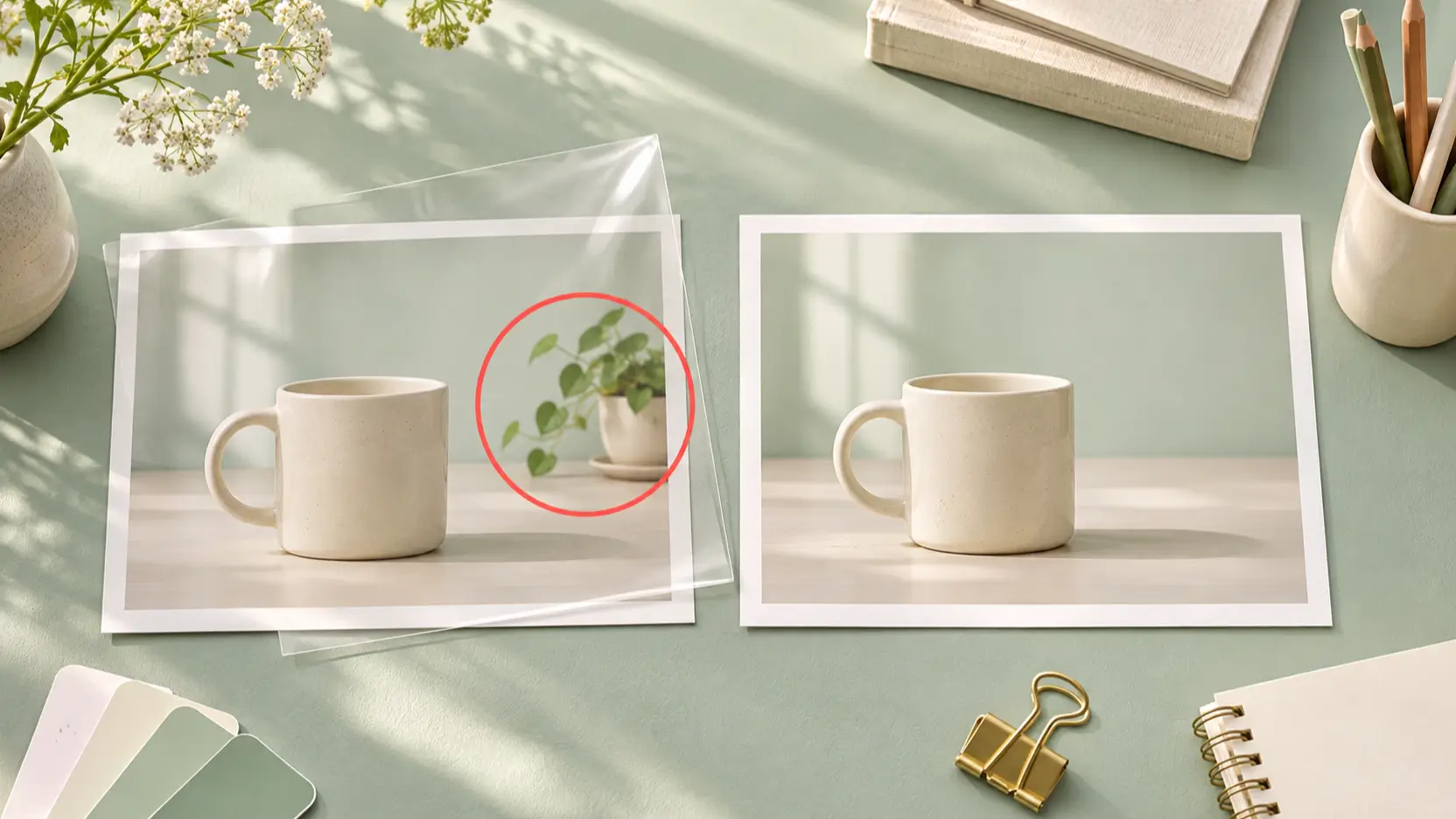
A product edit fails if it changes the item you are selling, even when the picture looks appealing. Use a reference mug and ask for one background change. Compare the handle, rim, glaze, shadow, and crop before judging whether the edit succeeds. These are suggested review criteria, not reported model results.
GPT Image 2.6 separates complexity, which controls planning, from quality, which controls rendering. Complexity offers low, medium, and high settings, defaulting to high. OpenAI cautions that higher complexity can increase latency and introduce unwanted changes. Markup-guided editing is documented for supported 2.5 and 2.6 models, so it is not exclusive to the upgrade. Image editing documentation.
Try a narrow instruction: “Remove the background plant. Preserve the mug, table, camera angle, lighting, and empty headline space.” If your interface exposes complexity, compare a focused edit at low complexity with your existing result. Avoid changing the prompt, reference, and settings together; otherwise you cannot tell what caused the difference.
Keep the original reference throughout the test, and compare every revision against it. Otherwise, a small shape change can become the reference for the next edit.
GIF and SVG workflows change the deliverable
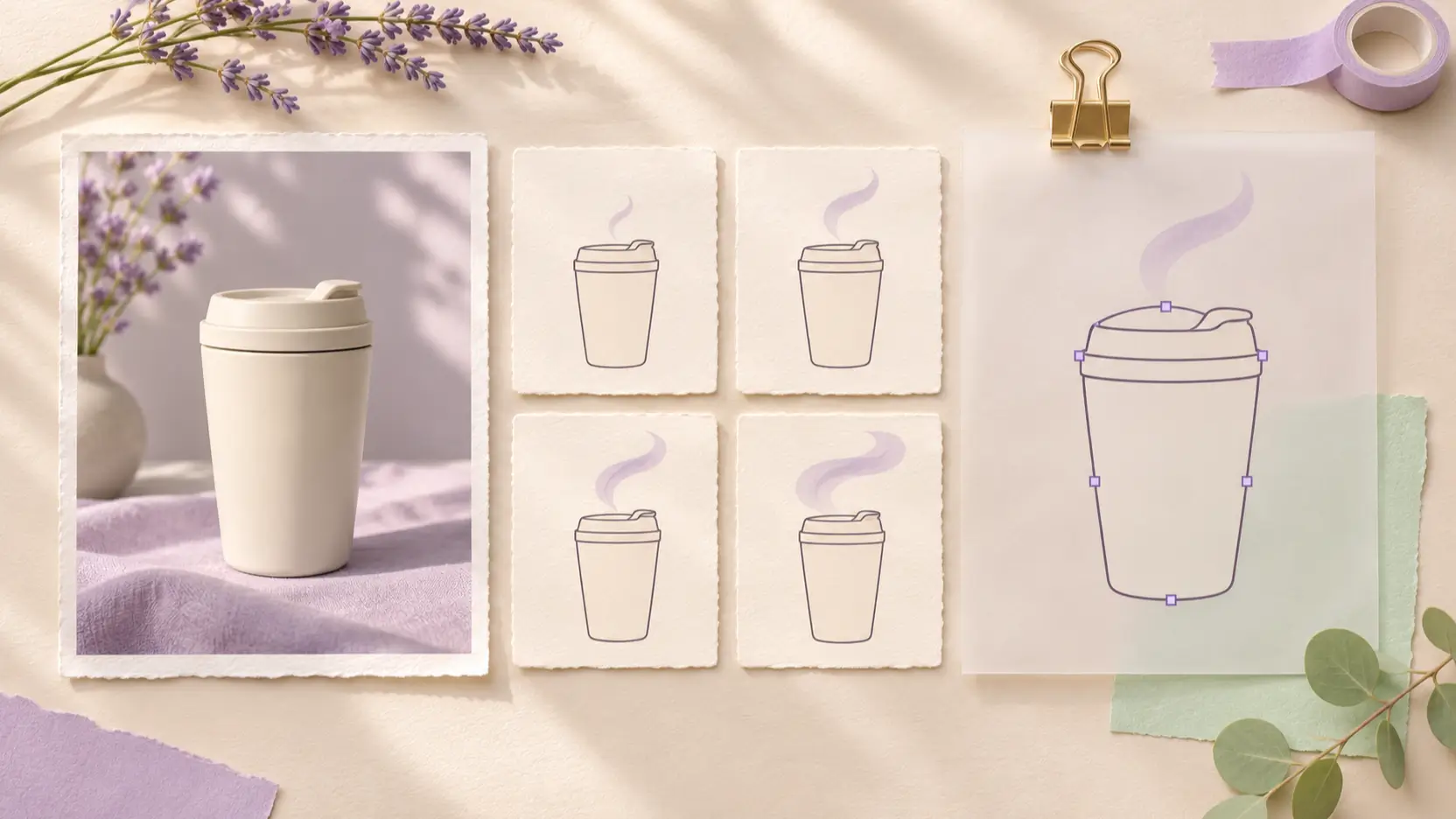
A request for an animated loop or editable icon gives you a concrete reason to evaluate 2.6. Its model documentation links both variants to animated GIF and SVG output. A social campaign might need a short mascot loop; a design team might need an editable icon. GPT Image 2.6 capabilities.
There are practical limits. SVG output uses the generation endpoint, not the editing endpoint. GIF output is documented for both generation and editing. SVG billing includes the reference image and the authoring model's tokens. Output formats and costs.
Before changing a workflow, open an exported file in its destination. Check that a loop joins cleanly and that an icon remains readable at its smallest intended size. A downloadable asset still needs production review.
Treat these as OpenAI capabilities, not a promise that every app exposes them. A platform can offer an underlying model while presenting a narrower set of controls or formats.
Compare costs per approved asset
The published standard image-output rate is $30 per million tokens for the 2.6 variants and the 2.5 variants. That rate is shared across the two generations; it is not the total charge for a finished image. OpenAI pricing; 2.5 model pricing.
However, matching token rates do not guarantee matching image costs: consumption varies with model, quality, and size. Use explicit settings in the official cost calculator.
For a campaign, divide total generation spending by the number of images you approve. Include rejected attempts and revisions. Record review time separately so a cheap draft does not conceal expensive cleanup. This accounting method is a recommendation, not a measured advantage for either version.
API rates also should not be read as Picir credit prices. Check the amount displayed in the tool you actually use before generating.
Run a useful comparison in your Picir workflow
Picir's GPT Image 2.5 page presents Flare and Sunburst. It provides an available starting point; this article does not establish a Picir 2.6 integration.
Build a small evaluation around an actual deliverable:
- Save one prompt, the reference image, and the required aspect ratio.
- Define rejection rules before generating: changed product shape, incorrect text, or insufficient copy space.
- Keep separate records for each version, variant, quality setting, and revision.
- Judge the final export at its intended display size, including mobile placement.
Use comparable settings wherever both tools expose them. If one interface hides a setting, record that limitation instead of presenting the results as a controlled model test.
For a video campaign, take an approved still into Picir's image-to-video editor. Evaluate camera movement and product stability separately. A good still-image result does not prove good motion.
FAQ
Is Images 2.6 available, or is it still a rumor?
OpenAI announced its release on November 4, 2026, including ChatGPT, Codex, and API availability. Availability in a particular third-party tool needs its own check. Official availability.
Is GPT Image 2.6 always cheaper than 2.5?
No such conclusion follows from the published rates. Compare identical output requirements, actual usage, and rejected attempts. Check your platform's displayed charge independently of OpenAI API pricing.
Does GIF support replace a video generator?
A looping animation and a campaign video are different deliverables. Choose around the duration, motion, format, and editing requirements of the finished piece; do not assume that GIF support covers your video brief.
Should an existing 2.5 workflow switch immediately?
Keep it as a baseline. Evaluate 2.6 on a representative job and switch when its accepted results, available controls, and total effort justify the change. This documentation review cannot establish that outcome for your prompts.
Conclusion
For ChatGPT Images 2.6 vs GPT Image 2.5, the useful decision is whether the upgrade improves your finished asset or enables a needed format. Compare the same variant on one real brief, track revisions and spending, and retain the workflow that meets your acceptance criteria.